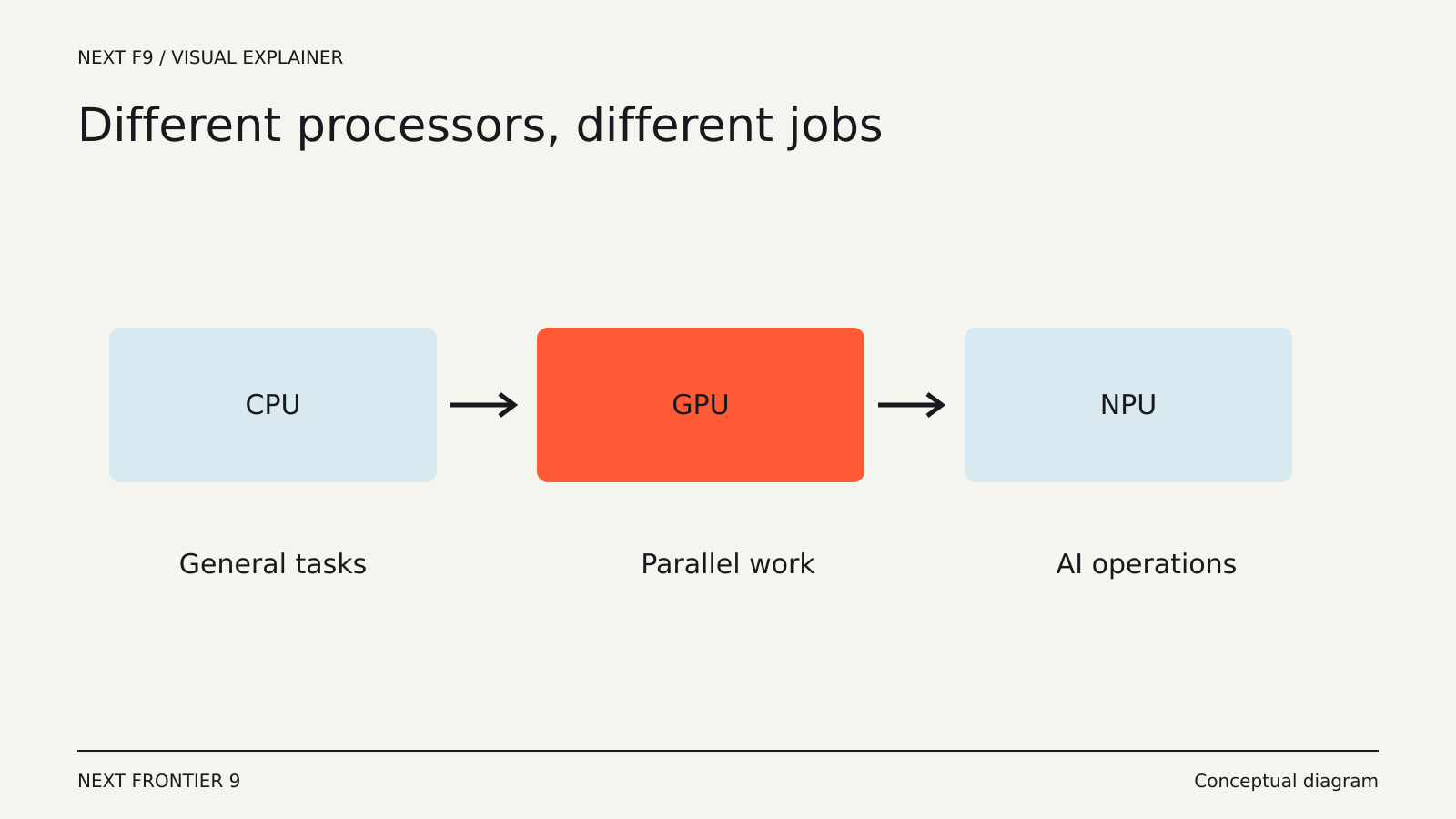
A computer can contain a CPU, a GPU and an NPU at the same time. They do not form a simple ranking from old to new. Each is designed around a different balance of flexibility, parallel work, power use and supported operations.
That is why an “AI-ready” label does not tell you how quickly a particular application will run. The application has to send suitable work to the hardware that can execute it efficiently.
The CPU keeps general-purpose work moving
The central processing unit handles a broad range of instructions and coordinates much of the operating system and application behavior. It is well suited to work with complicated control flow, frequent decisions or steps that depend on earlier results.
Opening files, managing processes, running much of an application’s logic and handling many small tasks all involve the CPU. Modern CPUs also contain multiple cores and specialized instructions, so describing them as purely sequential would be misleading.
Their strength is flexibility. A program can ask a CPU to perform a wide variety of operations without first turning the problem into a large batch of similar calculations.
The GPU does many similar operations in parallel
Graphics processing units developed around workloads that can be split into many related calculations. Rendering images is one example; substantial parts of machine learning and scientific computing also fit this pattern.
Intel’s explanation of CPU and GPU roles describes GPUs as having many smaller, specialized cores that work together on parallel tasks.
That does not make a GPU faster for every program. Work has to be organized appropriately, and moving data between memory areas can add overhead. A tiny task or one with unpredictable branching may not benefit in the same way as a large matrix calculation.
The NPU targets supported neural-network work
A neural processing unit is a specialized accelerator for AI operations. In a device, it can help run supported inference tasks efficiently: applying an already trained model to new input.
Examples can include audio processing, image effects or other model-based features, depending on the chip and application. The exact capabilities vary widely.
An NPU does not automatically take over all AI work. The model’s operations, numerical formats and runtime need to be supported. If they are not, the application may use the CPU or GPU, split the workload or decline to run the feature.
One package can contain several engines
The processors do not always arrive as separate visible components. A system-on-chip or processor package can integrate CPU cores, graphics and an NPU.
Integration can reduce some data-movement costs and help a device balance performance and power. It does not remove the need to understand memory capacity, thermal limits or software support.
A discrete GPU may have dedicated memory, while integrated engines may share system memory. When a model is too large for the available memory, the advertised compute throughput may become secondary to the problem of fitting and moving the data.
Why one performance number is not enough
AI hardware is often described with a peak operations-per-second figure. That number depends on the operation type, precision and assumptions used in the measurement.
It does not directly tell you how long an application takes to process a document, generate an image or transcribe a recording. Real work includes loading data, preparing it, executing supported operations and returning the result.
Two systems with similar headline numbers can behave differently because of memory bandwidth, runtime support or sustained power limits. A thin laptop may also perform differently on battery than while plugged in.
Software decides whether the hardware helps
An application needs a compatible library, runtime or driver path to use an accelerator. The presence of the hardware alone does not establish that the application uses it.
This matters when evaluating a new laptop for a specific AI tool. Look for support for the exact operating system and application, then for results using a comparable model and input.
A demonstration of a camera effect running on an NPU does not prove that a large language model will use the same engine. They are different workloads with different requirements.
Match the comparison to your work
For ordinary office tasks, responsiveness and battery life may matter more than peak AI throughput. For video, the relevant codecs and application acceleration paths matter. For local language models, memory capacity and supported runtimes can dominate the experience.
Use complete-task measurements where possible. A test should describe the input, software version, settings and whether the machine was on battery or external power.
The useful question is therefore not which processor “wins.” It is which combination completes your actual work well. The CPU supplies broad control, the GPU provides substantial parallel capacity and the NPU can make supported AI tasks efficient. The application and memory system turn those capabilities into a result you can use.