Open a document on a train with no connection. In one application, you can keep editing and the changes synchronize later. In another, the interface loads but the document does not. Both may have a desktop icon and advertise offline support, yet they give you very different control over your work.
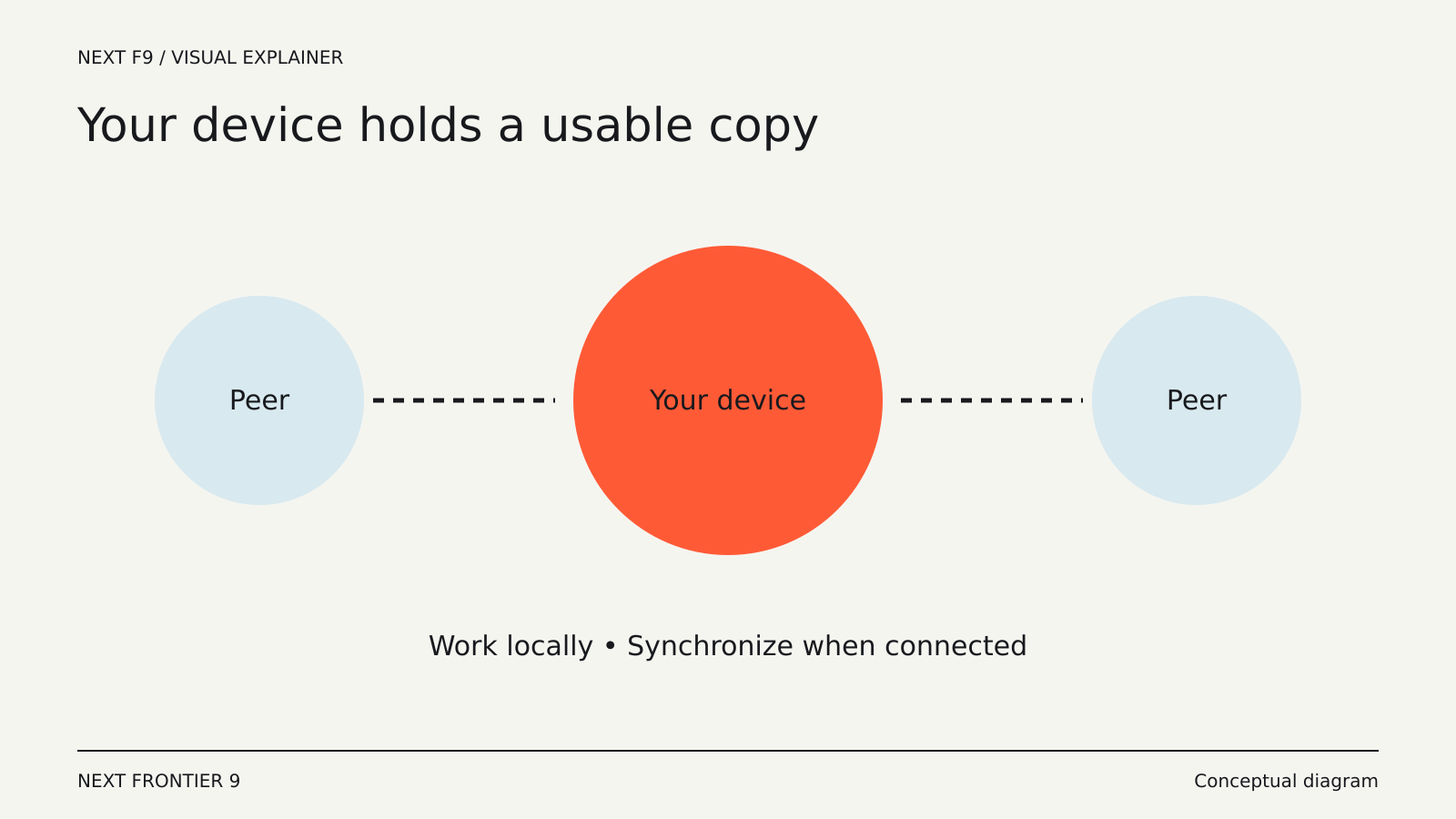
Local-first software starts from the idea that the device should hold a usable copy of the data and be able to work with it. Cloud services can still help synchronize and collaborate, but they are not supposed to be the only place where useful work can happen.
More than a temporary cache
A cache keeps copies to make a remote service faster or more convenient. It may be incomplete, disposable or dependent on a successful sign-in before you can use it.
A local-first design treats local data as a serious part of the application’s architecture. The goal is for ordinary work to remain possible when a server is unavailable, then reconcile changes when devices reconnect.
Ink & Switch’s original local-first paper describes principles around offline use, collaboration, user control and long-term access. These are design goals, not a certification that every product using the label meets them.
Why synchronization is the difficult part
Keeping one local document is straightforward compared with keeping several editable copies consistent. If you edit a paragraph on a laptop while a colleague edits it elsewhere, the application needs a way to combine the changes.
Some systems use conflict-free replicated data types, or CRDTs, to help merge concurrent operations. The local-first paper discusses these as a promising foundation for collaboration.
The mathematics does not settle every user-interface question. Two changes can be technically mergeable while producing a confusing result. A person may still need to understand what happened, recover an earlier version or resolve a meaningful disagreement.
Local does not always mean ordinary files
An application can keep data on your device inside a database or proprietary format. That can support fast search and synchronization, but it is different from a folder of documents that other programs can open.
Ask whether you can export your work and what the export preserves. Text alone may not preserve links, attachments, comments, metadata or the relationships between records.
The ability to copy a database file is not the same as being able to continue using the data without the original application. Long-term access depends on the format and the availability of software that can interpret it.
Collaboration can still use servers
Local-first does not require every connection to be directly between devices. Servers can relay updates, store encrypted copies or help devices find one another.
That means you still need to understand the service’s privacy and access model. Where are synchronized copies stored? Who holds the encryption keys? What happens to shared documents when a member leaves?
A local copy reduces some dependencies while leaving others intact. For example, editing may work offline while invitations, account management or new-device setup still need a server.
Backups remain your responsibility
Synchronization helps devices converge on a current state. A backup preserves recoverable states across time. Those are related but different functions.
If an accidental deletion synchronizes to every device, synchronization has worked exactly as designed. Recovery depends on version history, a trash mechanism or an independent backup.
Check whether the application’s backup process captures all the information needed for restoration. A database may need a supported export or snapshot rather than an arbitrary copy while it is being modified.
A useful offline test
Try a harmless sample project. Open it while connected, then disconnect and make a few changes. Close and reopen the application while still offline. Test search and attachments, not just the document you happened to leave open.
Reconnect and inspect synchronization from another device. Then make conflicting changes to separate copies and observe how the application explains the result.
Finally, export the project and open the export in another tool. That reveals whether the data is portable or merely recoverable inside the same product.
What happens if the service disappears?
A strong local-first application should preserve useful access to existing work even if its synchronization service stops. But licensing checks, login requirements and proprietary formats can complicate that promise.
Look for a documented answer, and distinguish a working local application from a cached web page. The desktop packaging alone tells you little.
This matters most for material you expect to keep for years: research, writing, designs and personal records. A short-lived collaborative task may have a different balance of priorities.
Local-first software gives the device a more substantial role in owning and using data. The best evidence is practical: your work opens offline, changes survive, synchronization is understandable and an export remains useful outside the original service.