A passkey sign-in may ask you to use a fingerprint, face recognition or your device’s PIN. That can make it feel as though your face has become the website’s password. It has not.
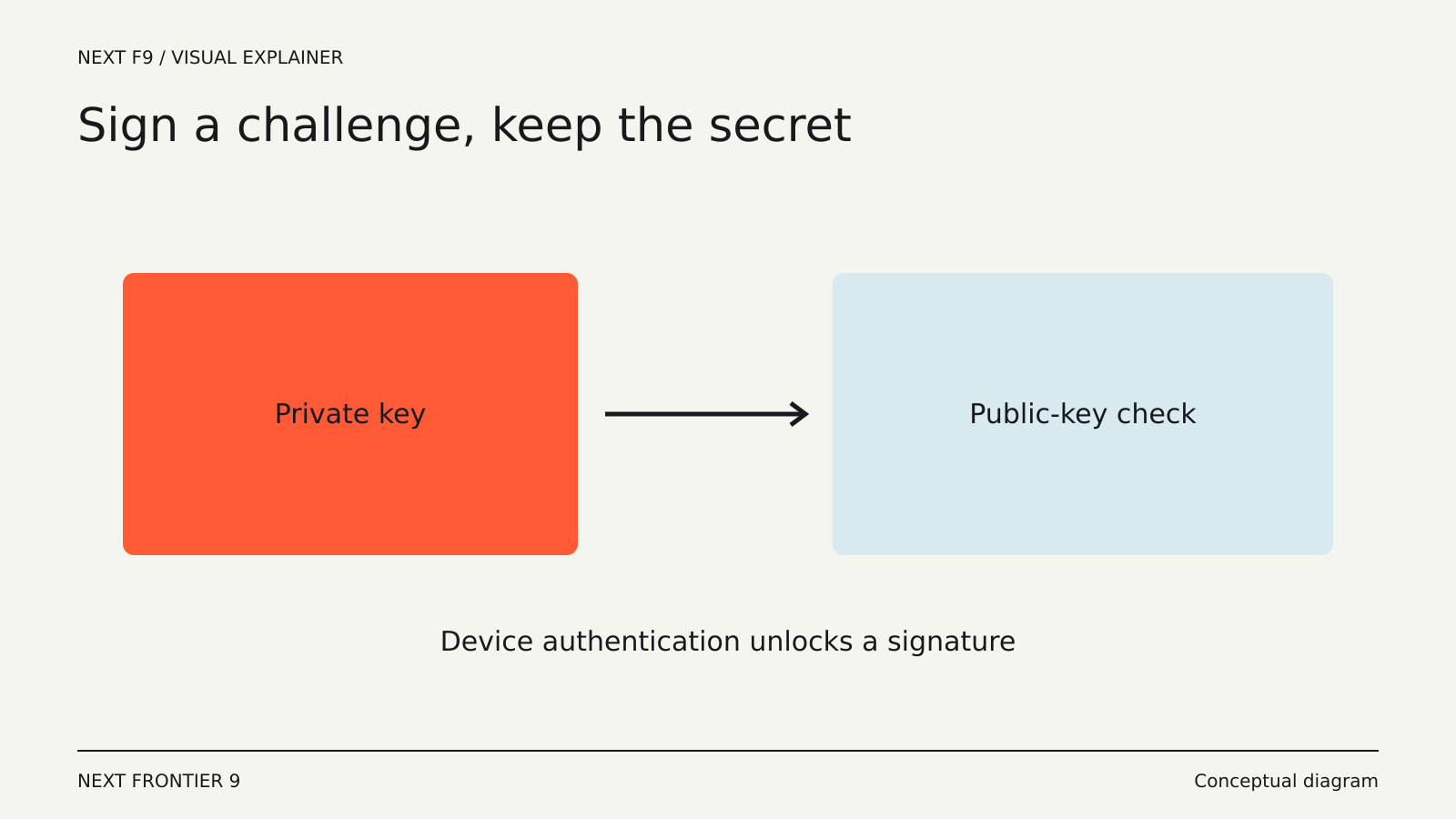
The device uses that local check to authorize a cryptographic operation. The website verifies the result without receiving the biometric information or a reusable password.
A different kind of credential
A passkey uses a pair of cryptographic keys. The service stores the public part; the authenticator protects the private part. During sign-in, the service sends a challenge and verifies the signed response.
The FIDO Alliance’s passkey overview explains the standards-based approach and its resistance to phishing. There is no shared password for an attacker to copy from a fake sign-in form.
The local unlock method is separate from the website credential. A fingerprint or PIN helps the device decide whether to allow use of the passkey. It is not transmitted as the secret that logs you into the site.
Why phishing becomes harder
A password is a secret you can type into the wrong page. If an attacker captures it, they may try it at the real service.
A passkey is bound to the service identity it was created for. A lookalike site cannot simply ask the browser to use the real site’s credential as though the two were interchangeable.
That is a substantial improvement for authentication. It does not make every message, download or transaction safe. A person can still be tricked into authorizing an unwanted action after signing in, and a compromised device can create other risks.
Some passkeys synchronize
A credential provider can synchronize passkeys across your devices under its security model. This makes it possible to sign in from a replacement phone or another computer without manually copying a secret.
Other passkeys can be tied to a particular authenticator, such as a hardware security key. These arrangements have different portability and recovery characteristics.
When a service offers to create a passkey, notice where it will be saved. Your phone’s platform, a password manager and a physical security key may all appear as options, but they are not the same storage destination.
What happens on another computer?
Cross-device sign-in can let one device assist another. A website on a computer may show a QR code that lets you authorize sign-in with a phone holding the credential.
The exact flow depends on the browser, operating system, service and authenticator. Supported methods may require proximity checks or other platform features.
The important distinction is that the phone can prove possession of the passkey without you typing a reusable secret into the computer. That does not mean every QR code is trustworthy: begin from the legitimate service and follow its sign-in flow.
Recovery is still part of the account
If all your passkeys become unavailable, the service needs some way to handle account recovery—or it may be unable to restore access.
Recovery methods can include another registered passkey, account-provider recovery or a service-specific process. A service may also keep a password or other sign-in method enabled.
That fallback influences the security of the whole account. Replacing the main sign-in with a passkey does not strengthen a weak recovery route by itself.
Before removing an old sign-in method, check that you have another working route under the service’s documented process. Test it from a second device where practical.
A passkey does not replace every security decision
Authentication establishes who is signing in. Authorization determines what that account can do. Session management governs how the signed-in state persists.
A website can use passkeys and still have problems in its permission model or recovery process. A shared computer can retain a session after you walk away. A connected app can keep access you granted earlier.
Continue to review sessions and connected applications where the service provides those controls. Passkeys improve one important part of the system; the rest of the account still needs understandable boundaries.
What to expect when adopting them
On a supported service, create a passkey from the account’s security settings and confirm where it is stored. Then sign out and test a fresh sign-in.
Check how the service labels multiple credentials. A descriptive name can help you distinguish a phone, laptop or security key when replacing a device later.
If the experience fails, the cause may be compatibility or storage selection rather than the cryptographic idea itself. Follow the service and credential provider’s current support guidance.
Passkeys make the common act of signing in both less dependent on memory and harder to redirect to an impostor. Their everyday value is that you can prove access to the right service without handing over a secret that could be reused somewhere else.