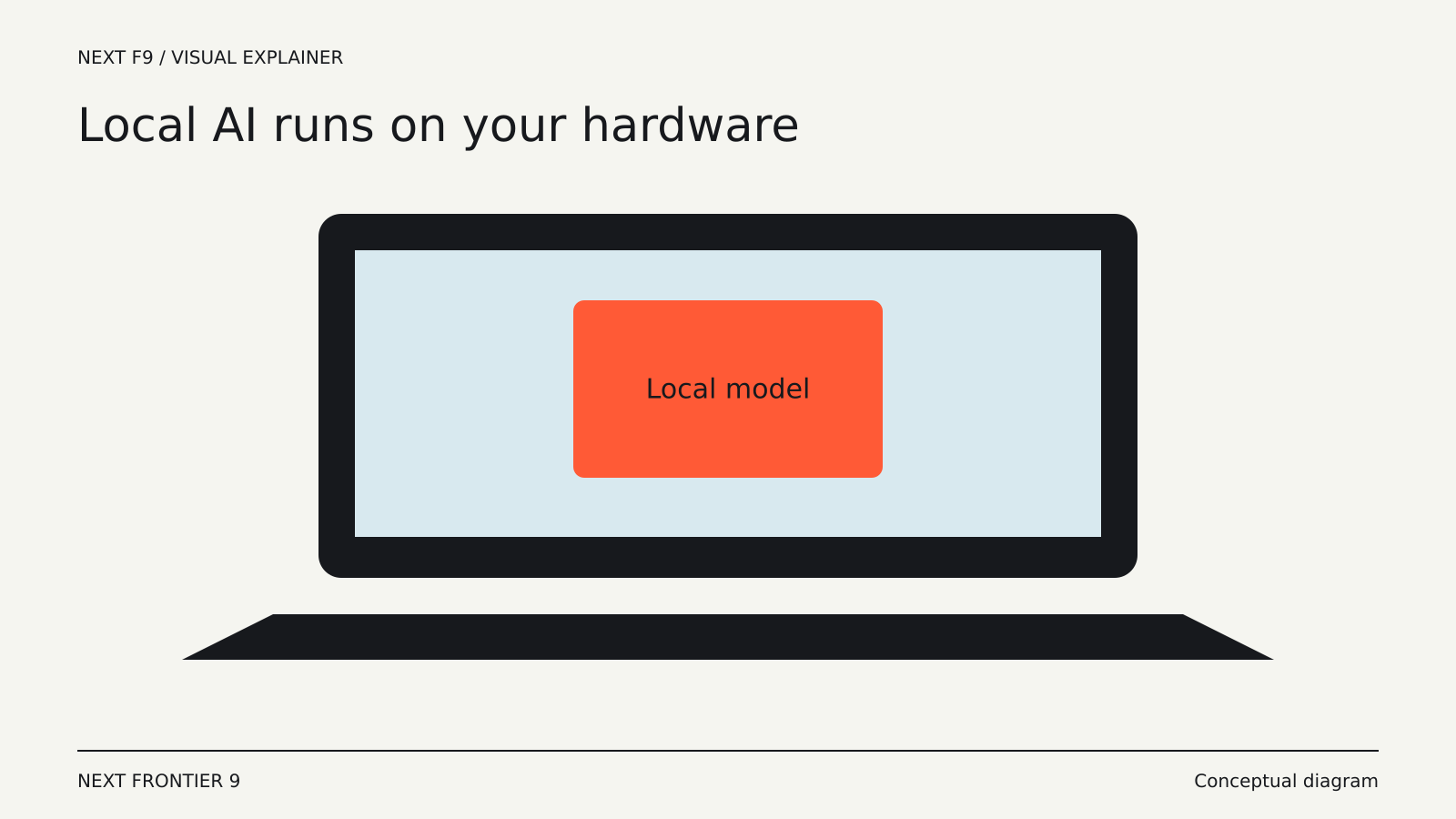
A laptop can run a language model without sending every prompt to a remote server. Whether the experience is useful depends on the model, available memory, the length of your input and what you expect it to do. Getting a model to load is only the first test.
Local AI is particularly interesting for bounded tasks: rewriting a paragraph, organizing notes, extracting fields or experimenting with a small codebase. A difficult research or coding task may still exceed the capabilities of the model that fits comfortably on your machine.
The model has to fit somewhere
Model weights are numerical values stored on disk and loaded for computation. They consume memory, along with temporary working data and the conversation context. Your operating system and other applications need room too.
A machine with a discrete graphics processor may use dedicated video memory. Other systems share memory between the CPU and GPU. Neither arrangement removes the capacity constraint; it changes where the constraint appears.
Some runtimes can split work between CPU and GPU when a model does not fit entirely on the GPU. Ollama’s FAQ explains how its status output distinguishes CPU, GPU and mixed loading. Mixed execution may work, but “it runs” does not tell you whether it responds quickly enough for your task.
Smaller files involve tradeoffs
Quantization stores model values with reduced numerical precision. This can reduce the memory required to load a model and make local execution more practical. The effect on output quality depends on the model, quantization method and task.
A smaller download is therefore not automatically an equivalent version that happens to be more efficient. It is a configuration to test. A model that performs well on short summaries may become less dependable on structured output, difficult reasoning or unfamiliar code.
Start with the work you need done. Save a small collection of representative inputs and compare accuracy, response time and resource use. One impressive answer is a weak basis for choosing a daily tool.
A long document changes the workload
The context window limits how much information can be included in a request or conversation. A large advertised window does not mean that using all of it is free in time or memory.
Long inputs can increase memory use and the time before the first generated word. Tools may also select excerpts from a document instead of passing the whole file to the model. These are different approaches, with different failure modes.
For a collection of notes, retrieval may be more useful than forcing every note into each request. But retrieval can miss the relevant passage. Ask for source references and check whether the system found the information it needed.
The NPU is not a universal accelerator
Some laptops include a neural processing unit, or NPU, designed for supported AI workloads. It does not automatically accelerate every downloaded language model.
The application and runtime must support the hardware, and the model’s operations must map to it. A GPU, CPU or combination may still do the work. Intel’s overview of CPU, GPU and NPU roles describes their different strengths, but practical results depend on the software path.
Before buying hardware for one application, look for measurements using that application, model and configuration. A peak operations-per-second figure is not a complete measure of the experience.
Local privacy depends on the entire route
If inference happens locally, the model request need not go to a model provider. That does not establish that every part of the application is offline.
Model downloads, updates, web search, cloud fallbacks and connected services can still use the network. Ollama documents both local and cloud models, along with controls for disabling cloud features. Other applications make different choices.
Files may also be copied into a local database, included in backups or retained in chat history. A private local workflow still needs sensible device access and storage practices.
Measure a complete task
A practical evaluation starts with a task you can judge yourself. Try a short summary, a longer document and a structured extraction with known answers. Include a request that lacks enough information and see whether the model admits the gap.
Then run the same task while your normal applications are open. Notice memory pressure, heat, battery use and whether a response remains useful after several follow-up questions. A fast first answer on an otherwise idle machine may not describe daily use.
Local AI gives you more control over execution and can make some work independent of a network connection. Its limits remain concrete: the model’s capabilities, the memory available and the software that connects the two. Choose a configuration that reliably completes your tasks rather than the largest model you can persuade to start.