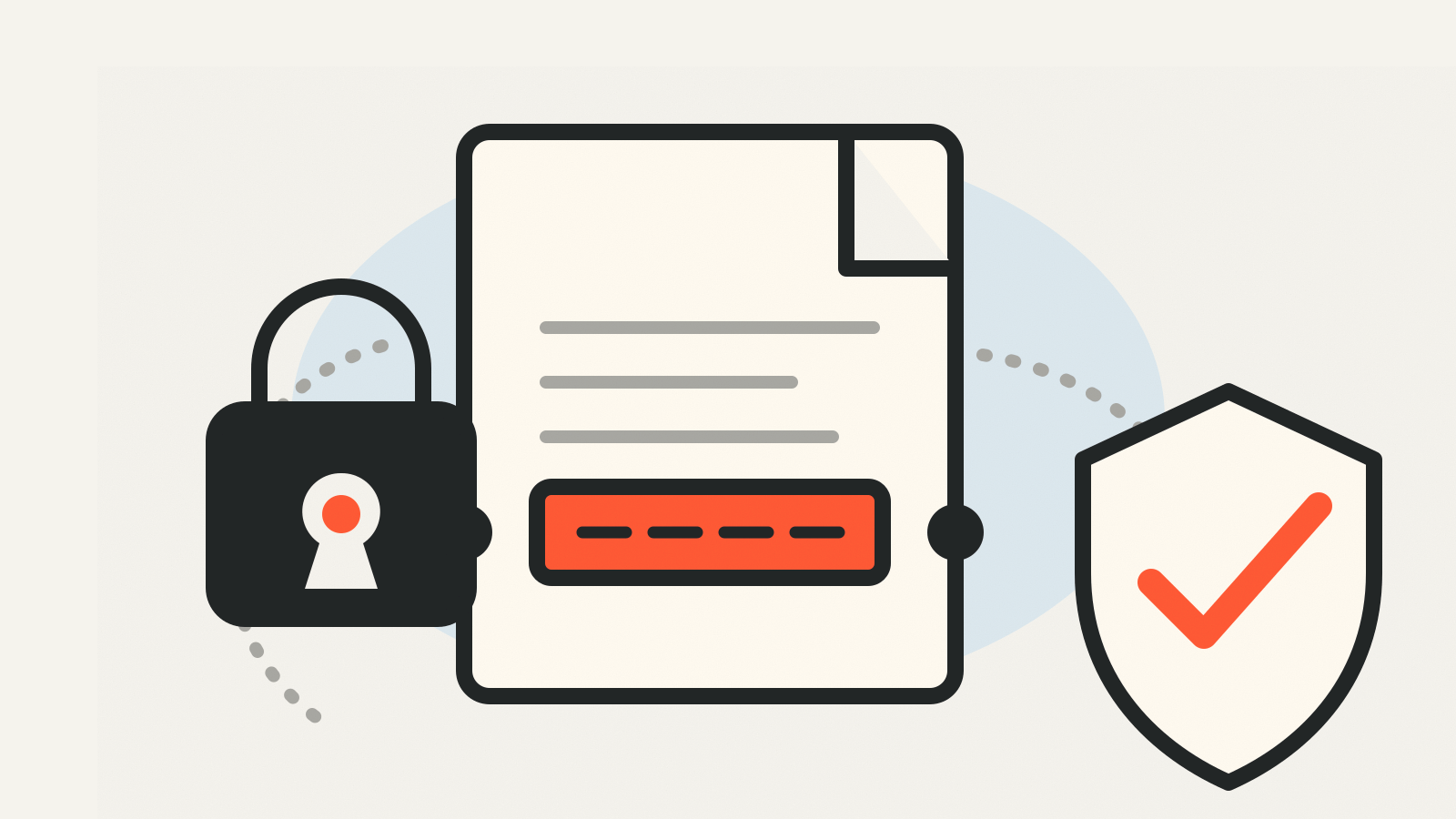
What is a digital signature? It is a cryptographic proof attached to data so another person or system can check two things: that the claimed signer created the signature and that the signed data has not changed since. The signature is not a scanned name, and it does not hide the file. It is a verification mechanism built around a private key, a public key and usually a hash of the data.
That makes digital signatures useful far beyond contracts. Software vendors sign installers and updates, organizations sign documents and messages, and security systems use signatures to establish where data came from.
The three parts
A digital-signature system starts with a key pair. The private key stays with the signer and creates signatures. The corresponding public key can be distributed to anyone who needs to verify them. The two keys are mathematically related, but the public key is not the private key and should not let a verifier recreate it.
The second part is the data itself: a document, message, software package or other file. In many signature schemes, software first runs that data through a cryptographic hash function. The result, called a message digest, is a fixed-length fingerprint of the input.
The third part is the signature. The signing algorithm combines the private key with the data or its digest. A verifier later checks the signature with the public key and the same underlying data. NIST’s Digital Signature Standard describes this private-key generation and public-key verification model.
What happens when a file is signed
A simplified signing flow looks like this:
- The signer chooses the exact file or message.
- The signing software calculates its digest when the scheme calls for one.
- The private key produces a signature for that input.
- The file, signature and information needed to identify the public key travel to the recipient.
The private key should not travel with them. NIST stresses that the security of the system depends on keeping that key secret. A stolen signing key can let an attacker create signatures that appear to come from the legitimate owner until the key is revoked or otherwise distrusted.
The signature also belongs to a particular version of the data. Change a sentence, replace a software binary or alter a single byte and verification should no longer succeed against the old signature.
What verification actually proves
Verification recalculates the relevant digest and checks the signature with the claimed signer’s public key. A valid result supports two conclusions: the signature matches that key, and the signed data has not been modified after signing.
Verification does not automatically prove that the person or organization named on a website truly controls the public key. That identity link needs another trust mechanism. A public-key certificate, for example, binds a key to an owner and is itself signed by a certification authority. Other systems distribute trusted keys through software repositories, account records or direct exchange.
A valid signature also does not prove that the signed statement is true, safe or wise. It proves origin and integrity within the trust system around the key. Signed malware is still malware; a signed document can still contain a bad claim.
Digital signatures, electronic signatures and encryption
An electronic signature is a broader legal and workflow concept. Typing a name, drawing a signature on a screen or clicking an acceptance button may count as an electronic signature under the rules that apply to the transaction. Those actions do not necessarily use public-key cryptography.
A digital signature is the technical cryptographic mechanism described here. A service can use a digital signature behind an electronic-signature workflow, but the two terms are not interchangeable.
Encryption answers a different question. It controls who can read data. A digital signature lets people check origin and integrity. A file can be signed without being encrypted, encrypted without being signed, or both signed and encrypted.
Where people encounter them
Software updates are a common example. An operating system or package manager can check whether an update was signed by a key it already trusts and whether the download changed in transit. The signature check does not replace vulnerability testing, but it blocks an unsigned or altered package from quietly impersonating the expected release.
Signed email uses the same basic idea for messages. Document systems can attach signatures to PDFs or approval records. Financial messaging, data interchange and long-term storage are other uses named in FIPS 186-5.
Content-provenance systems can also include signatures. C2PA Content Credentials use signed records to help show how a media file was created or edited. As with any signature, the result is only as useful as the identity and key-management system behind it.
Which algorithms are used
FIPS 186-5 covers RSA, ECDSA and EdDSA for generating and verifying digital signatures. It keeps the older DSA algorithm only for checking signatures that already exist.
Those established algorithms are not designed to resist a sufficiently capable quantum computer. NIST approved two post-quantum signature standards in August 2024: FIPS 204 for ML-DSA and FIPS 205 for SLH-DSA. These are separate from the signature algorithms in FIPS 186-5 and are intended for the transition to quantum-resistant cryptography.
That transition is one reason signatures should not be treated as a permanent magic stamp. Algorithms age, keys expire or are revoked, and verification software needs to know which standards and trust anchors are acceptable. Our explainer on Q-Day covers the quantum risk to current public-key systems.
How to check a signature in practice
Use the verifier supplied by the platform or publisher rather than trying to inspect the signature bytes by eye. For software, that may be an operating-system dialog, package-manager command or vendor verification tool. Check that:
- verification reports a valid signature;
- the signer identity or key fingerprint matches a trusted source;
- the signature covers the exact file you intend to use;
- the certificate or key is not expired or revoked under the platform’s rules;
- warnings about an unknown publisher or broken signature are investigated, not clicked through.
If a vendor publishes checksums, those help detect file changes, but a bare checksum from the same compromised download page does not establish who created the file. A signature adds an identity-bearing key to the verification process.
What a valid signature tells you
A digital signature is a cryptographic way to connect a signer, a public key and an exact version of some data. The private key creates the signature; the public key checks it. A successful check supports origin and integrity, provided you also trust the key-to-identity link and the surrounding software.
Standards checked: October 30, 2026. FIPS 186-5 was published February 3, 2023; NIST’s digital-signatures project page was updated April 17, 2025 and records the August 13, 2024 approval of FIPS 204 and FIPS 205.