Chrome 154 began rolling out on September 22 with new controls for embedded content and CSS presentation. Google’s developer announcement highlights responsive iframe sizing, additional scroll-marker modes and a property for adjusting text-decoration edges.
These are changes for the web platform, so their effect depends on websites adopting them and on the browsers used by visitors.
Letting an embed determine its height
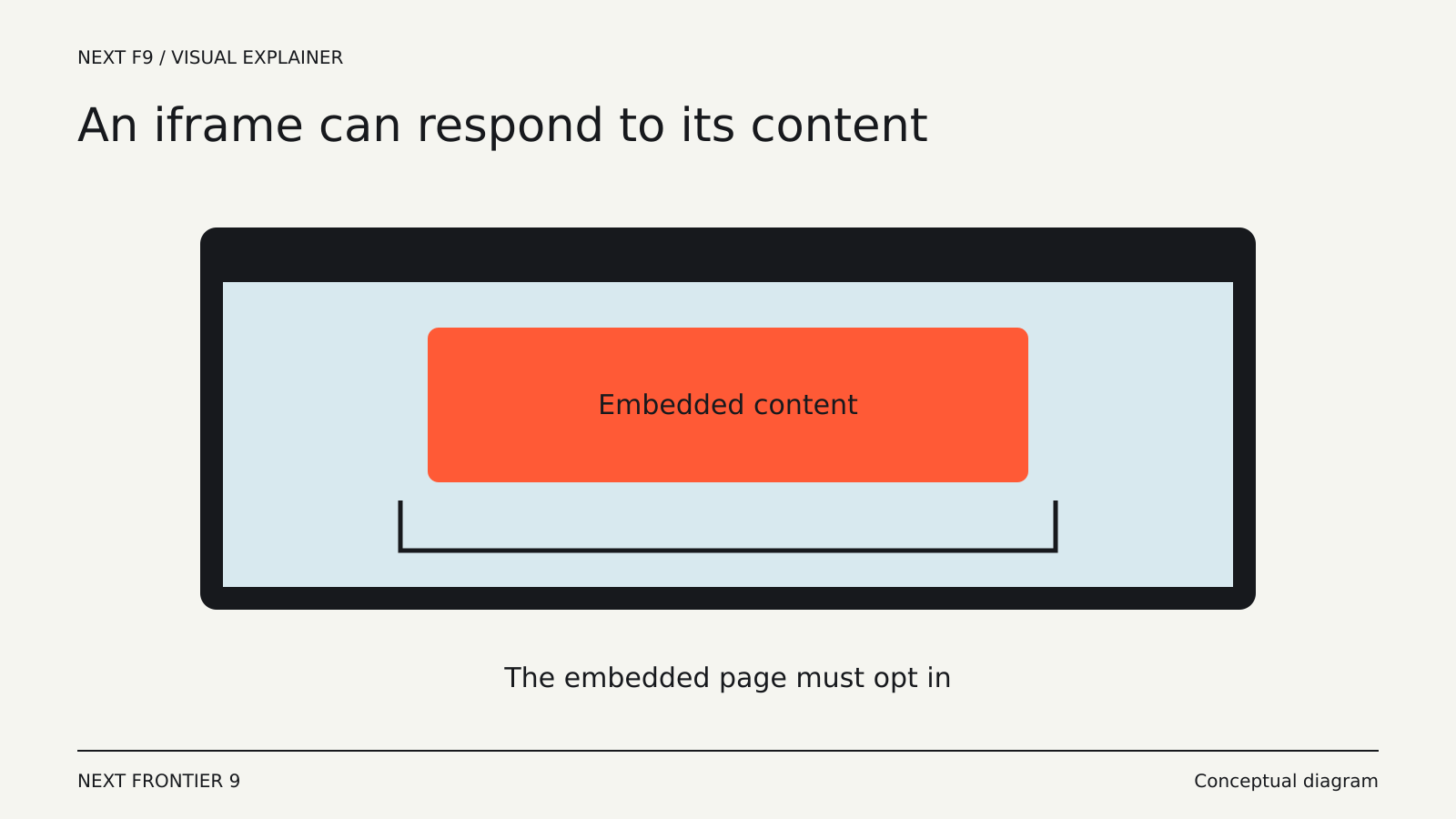
Responsive iframe sizing allows a parent page to size an embedded document according to its contents. Google describes it as an alternative to manually measuring content, sending dimensions between frames and updating the outer element.
Both sides have a role. The parent uses the frame-sizing CSS property, while the embedded document opts in with the corresponding metadata.
That cooperation matters for sites embedding forms, reports or other content that changes height. The browser can participate in sizing, rather than leaving the entire synchronization process to application code.
The feature is not a promise that every existing iframe will automatically resize after a browser update.
Scroll markers get explicit modes
Chrome 154 adds links and tabs modes to scroll-marker-group. The modes influence focus order and accessibility semantics for the generated markers.
For interface developers, the distinction can help match the behavior of a scrolling control to the way it is presented. It still needs to be tested with keyboard navigation and assistive technology in the actual interface.
A new CSS capability does not remove the need to make the interaction understandable.
More precise underline positioning
The text-decoration-inset property lets developers adjust the beginning and end of an underline or other text decoration. Positive and negative values can shorten or extend the decoration relative to the text.
This can reduce the need for extra elements or background tricks used solely to draw a particular underline. The benefit is a simpler expression of the intended styling.
Shipping a feature is not universal support
Chrome’s release describes availability in that browser’s version. It does not establish equivalent behavior in every other browser or older installation.
Sites should preserve a usable fallback and test the feature in their supported browser set. For embedded content, the need for the child document to opt in is another practical dependency.
Chrome 154’s additions are mostly quiet improvements to everyday web construction. Their value will appear in embeds that fit better and controls whose behavior is more deliberately specified, rather than in a single prominent new browser button.