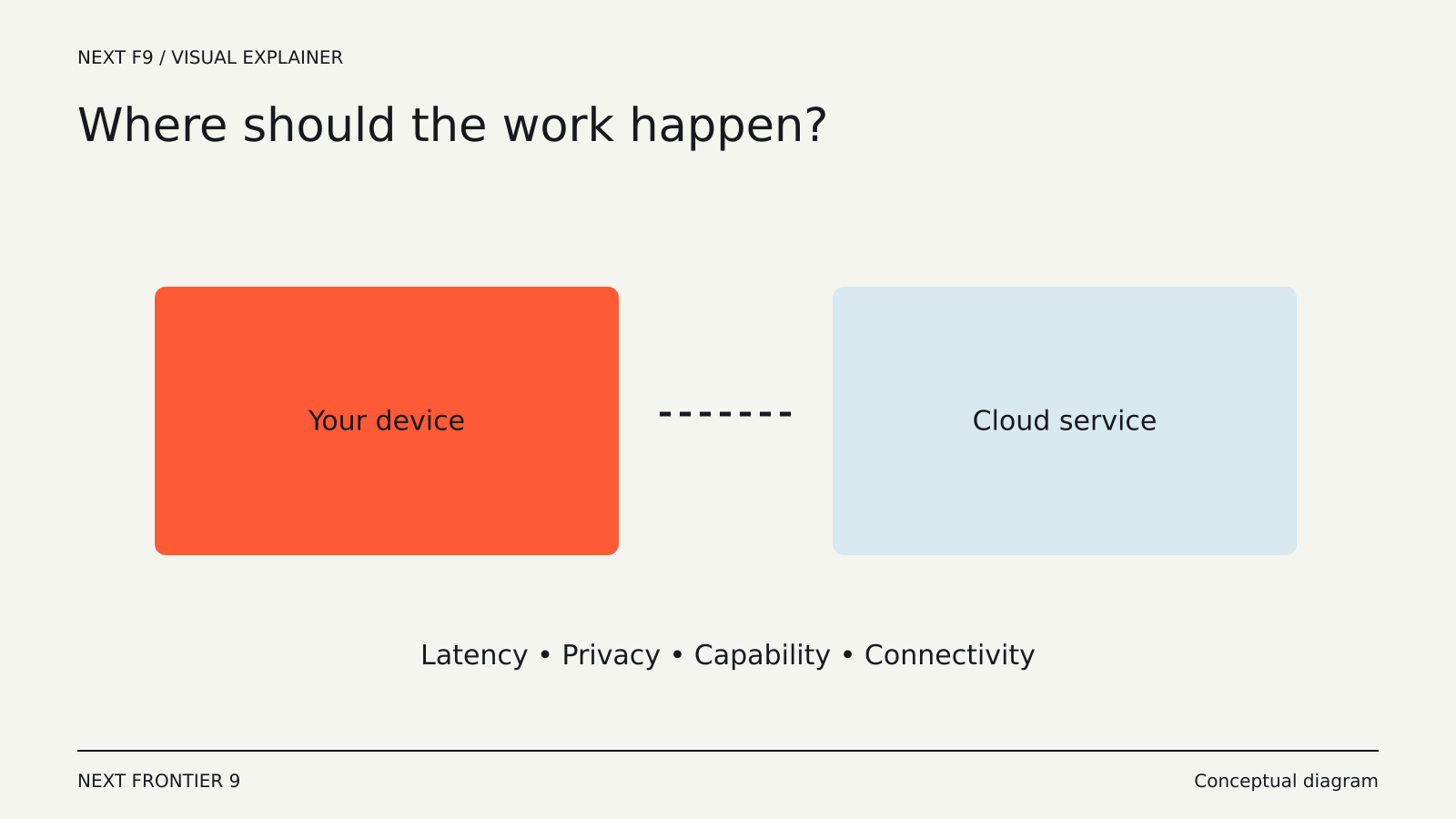
A phone can improve a photo locally, send a voice request to a server or combine both approaches in one feature. “Powered by AI” tells you little about where the data goes.
The useful distinction is the processing route for the action you are taking. The interface may stay on your device while the computation, storage or supporting search happens elsewhere.
What on-device processing means
When computation happens on the device, the application can use its local processors and memory to produce a result. The input does not have to leave the device for that computation.
This can help with responsiveness, offline operation and limiting exposure to a remote service. It also constrains the workload to the device’s available hardware, power and supported software.
A locally processed feature can still synchronize its output or collect separate usage information. On-device processing describes a stage in the workflow; it is not automatically a statement that the entire application never communicates.
What the cloud makes possible
A remote service can use larger systems and models than a small device can comfortably run. It can also access shared information and coordinate work across users.
The tradeoff is that the relevant input must reach the service in a form it can process. Network availability and latency become part of the experience. So do the service’s rules for access, retention and logging.
A short voice command and a large document upload can have different processing paths within the same product. A broad privacy slogan may not explain either one in enough detail.
Encryption in transit is one layer
An encrypted connection protects data while it travels between endpoints. It does not by itself prevent the receiving service from processing the data in readable form.
That distinction matters for cloud AI. A server may need access to the content of a request to perform the requested computation, even though the network connection is encrypted.
Apple’s technical description of Private Cloud Compute discusses this challenge and the specialized architecture it designed to address it. That is a specific system with specific claims, not a property shared by every cloud service.
Some systems use a hybrid route
A device may classify a request locally and send more demanding work to a remote model. It may remove some information before transmission or process part of the input on each side.
Hybrid designs can be useful, but the transition should be understandable. Which requests leave the device? What accompanying information is included? Is the user told when a third-party service is involved?
An offline test can reveal whether a feature needs a connection, but it does not prove what happens when the connection is available. Documentation and the product’s actual controls remain important.
Storage can outlast computation
Where a calculation runs and where its data is stored are separate questions. A local application can keep a cloud backup. A remote service can process a request without retaining it as a reusable document, or it can keep it in account history.
Apple’s PCC design, for example, describes stateless processing requirements for the personal data sent to that system. Other services have different retention policies and operational designs.
Look for a clear statement about the input, output, logs and account history. “We do not train on your data” answers a training question; it does not by itself answer every storage question.
Connected tools can extend the route
An assistant that searches the web, reads a calendar or edits a document may communicate with several services. The model provider is only one participant.
The application may send a query to a search engine, retrieve a file from storage and pass a result to another tool. Each step has its own scope and access requirements.
For a sensitive task, understand which connections are enabled and what information each one needs. A local model connected to a cloud document service is still part of a networked workflow.
Choose the route for the task
A simple task involving a private note may be well suited to local processing if the result is accurate enough. A complex task may benefit from remote capacity or up-to-date information. The right choice depends on the data, required quality and available controls.
Evaluate the full experience: whether it works without a connection, how long it takes, what data leaves the device and how the result can be checked.
Use a harmless sample when exploring a new tool. Inspect account history and sharing settings before adding material that is difficult to retract.
On-device and cloud processing are architectural choices with practical consequences. A useful product explains where each feature runs and what is retained afterward, allowing you to choose based on the actual route your data takes.