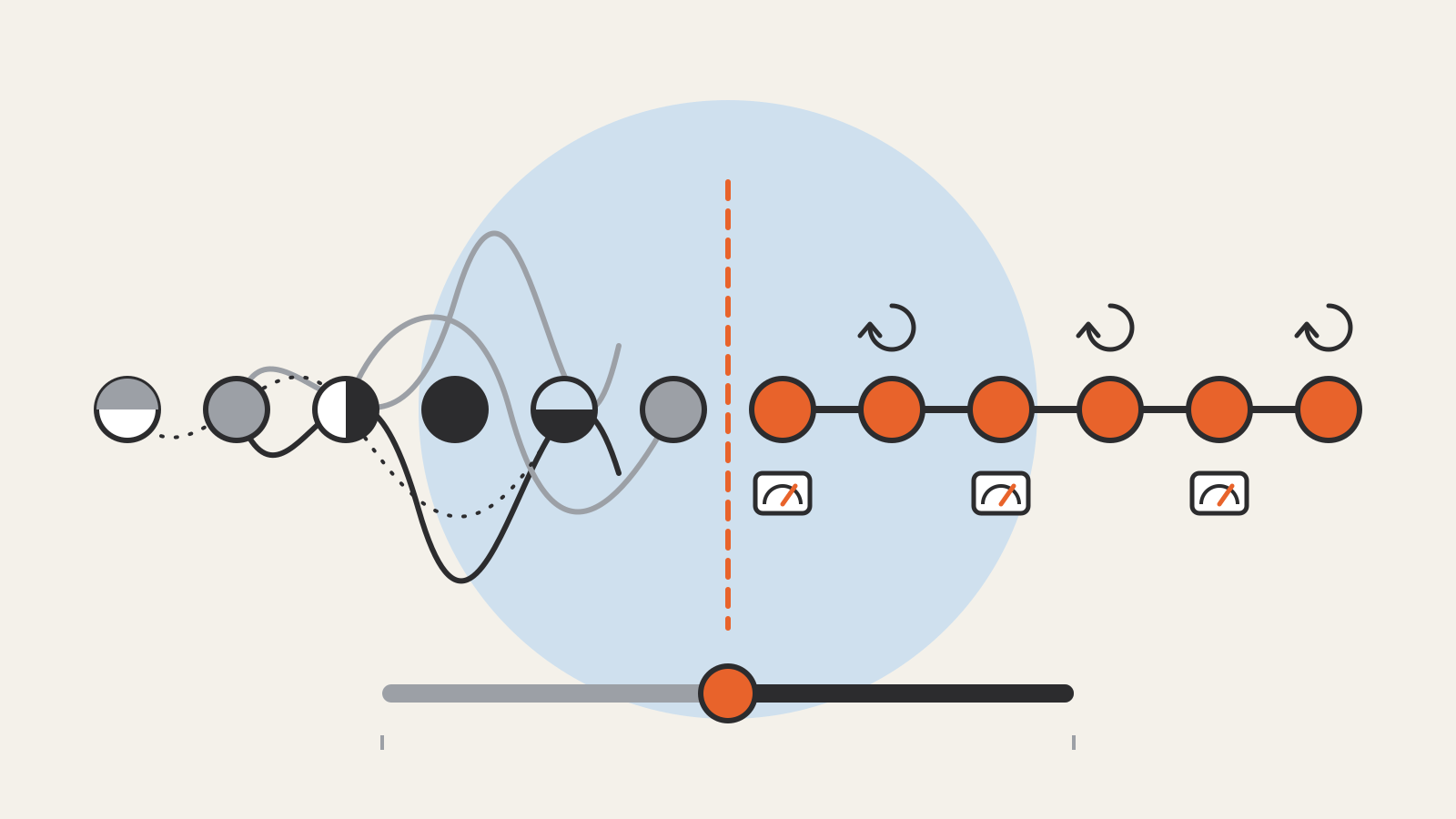
A context window is the amount of text an AI language model can work with at one time: your instructions, the conversation so far, any files you attached, and the answer it is writing.
Anything outside the window does not exist for the model while it writes that answer. Anthropic’s documentation defines it as “all the text a language model can reference when generating a response, including the response itself,” and calls it the model’s “working memory.” It is separate from the huge body of text the model learned from during training.
The size of a context window is measured in tokens, not words or pages. That one detail explains most of the confusion around it.
Tokens: the unit behind the limit
Language models read and write text in chunks called tokens. A token can be a whole word, part of a word, a single character or a punctuation mark. OpenAI’s help article on tokens gives rough rules for English text:
- 1 token is about 4 characters.
- 1 token is about three-quarters of a word.
- 100 tokens are about 75 words.
These are estimates. Other languages, code and unusual words can split into more tokens. Images, PDFs, tool definitions and the hidden formatting around each message also use tokens, so a plain word count of your text will undercount what the model actually receives. OpenAI and Anthropic both offer token-counting tools for exact numbers before a request is sent.
What fills the window
A long chat feels like a series of separate questions, but the model does not remember earlier turns the way a person does. Each time you send a message, the application sends the model the relevant history again, and the model reads all of it before writing the next reply. Anthropic lists what counts toward the window in a single request:
- the system prompt, meaning the instructions the app gives the model before your message;
- every message in the conversation, including attached documents, images and tool results;
- the definitions of any tools the model can use;
- the output the model generates for this turn, including any hidden reasoning.
So the window holds input and output together. A long document plus a long requested answer can run out of room even when each looks small on its own.
How big context windows are
Window sizes have grown quickly. Google’s Gemini long-context guide says earlier generative models handled about 8,000 tokens at a time, newer ones moved to 32,000 or 128,000, and many Gemini models now accept 1 million tokens or more. Google estimates 1 million tokens at roughly 50,000 lines of code or eight average-length English novels. Anthropic’s documentation lists a 1-million-token window for its current Claude models, with a separate cap on how much a single response can generate.
Exact sizes change with every model release and often differ between a company’s chat app and its developer API. Check the provider’s own model page for the model you use rather than relying on a number you saw once.
What happens when the window is full
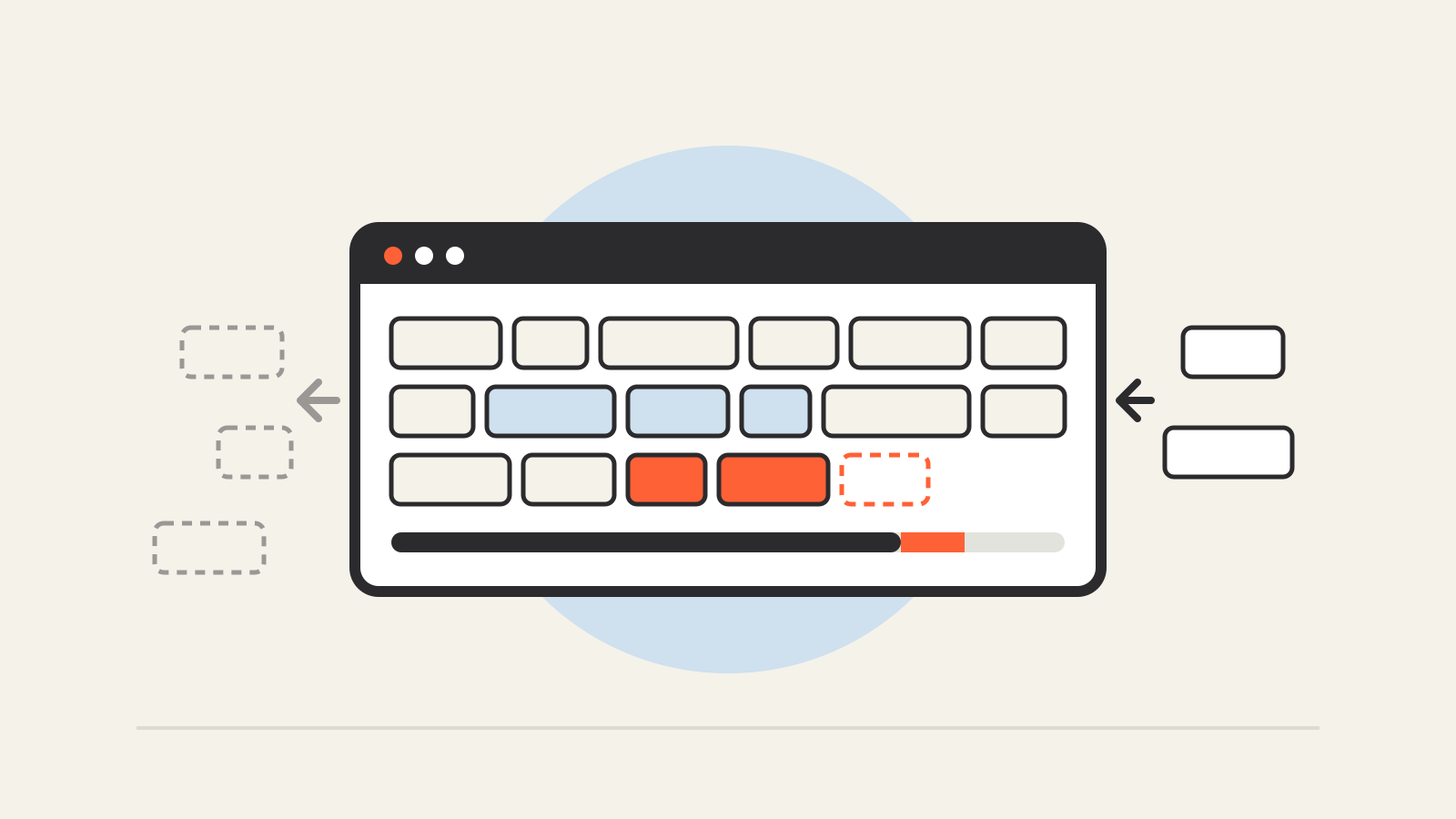
When a conversation outgrows the window, something has to give. Applications handle this in different ways:
- Drop the oldest material. Anthropic notes that chat interfaces can manage the window on a rolling “first in, first out” basis, so the earliest messages fall out as new ones arrive.
- Summarize. Some tools compress older parts of the conversation into a shorter summary and keep going. Anthropic calls its server-side version compaction.
- Refuse or truncate. OpenAI’s developer guide warns that if a conversation has too many tokens to fit, the text has to be truncated, omitted or shortened, and that a message removed from the input is lost to the model entirely.
In everyday use, the visible symptom is a chatbot that forgets an instruction you gave at the start, or a reply that stops early. Starting a new conversation with a short summary of what matters is often the simplest fix.
Bigger is not automatically better
A larger window lets you hand the model more material, but it does not guarantee the model will use all of it well. Anthropic’s documentation says that as token count grows, accuracy and recall degrade, which it calls context rot. Google’s guide makes a similar point. Gemini models score highly when asked to find a single fact buried in a long input, but accuracy drops when the model must find many separate facts at once.
Cost and speed also scale with the window. Every token you send is processed again on each turn, which is why long conversations get slower and, on paid APIs, more expensive. Both Google and Anthropic offer caching so that repeated input costs less.
Context window, memory and RAG
Three ideas often get mixed up:
| What it is | How long it lasts | |
|---|---|---|
| Context window | The text the model reads for one response | One request; the app re-sends history each turn |
| Memory features | Notes an app saves about you and adds to future chats | Across conversations, until you delete them |
| RAG (retrieval) | A search step that pulls relevant passages into the window | Per request; the source documents stay outside the model |
A memory feature does not enlarge the context window. It decides what to put into it. OpenAI’s Memory FAQ explains that ChatGPT’s saved memories are “part of the context ChatGPT uses to generate a response” and are stored separately from chat history, so deleting a chat does not delete a memory made from it. Retrieval works the same way from the other side. Instead of sending a whole library, the app finds the few passages that matter and places them in the window, as our explainer on what RAG is describes.
Because everything in the window comes from somewhere, what you paste into a chat matters. For how individual assistants store and use what you type, see our AI privacy guide.