Near field communication, or NFC, is the short-range radio link behind tap-to-pay cards, phone wallets, transit passes and many small tags. It works when two compatible devices come very close—usually within a few centimeters—so the interaction feels more like touching than connecting to a network.
The NFC Forum’s technical overview says NFC uses the 13.56 MHz band, normally carries small amounts of data and can let one side power the other. That last feature explains why a thin sticker or plastic card can respond without a battery.
What happens when you tap
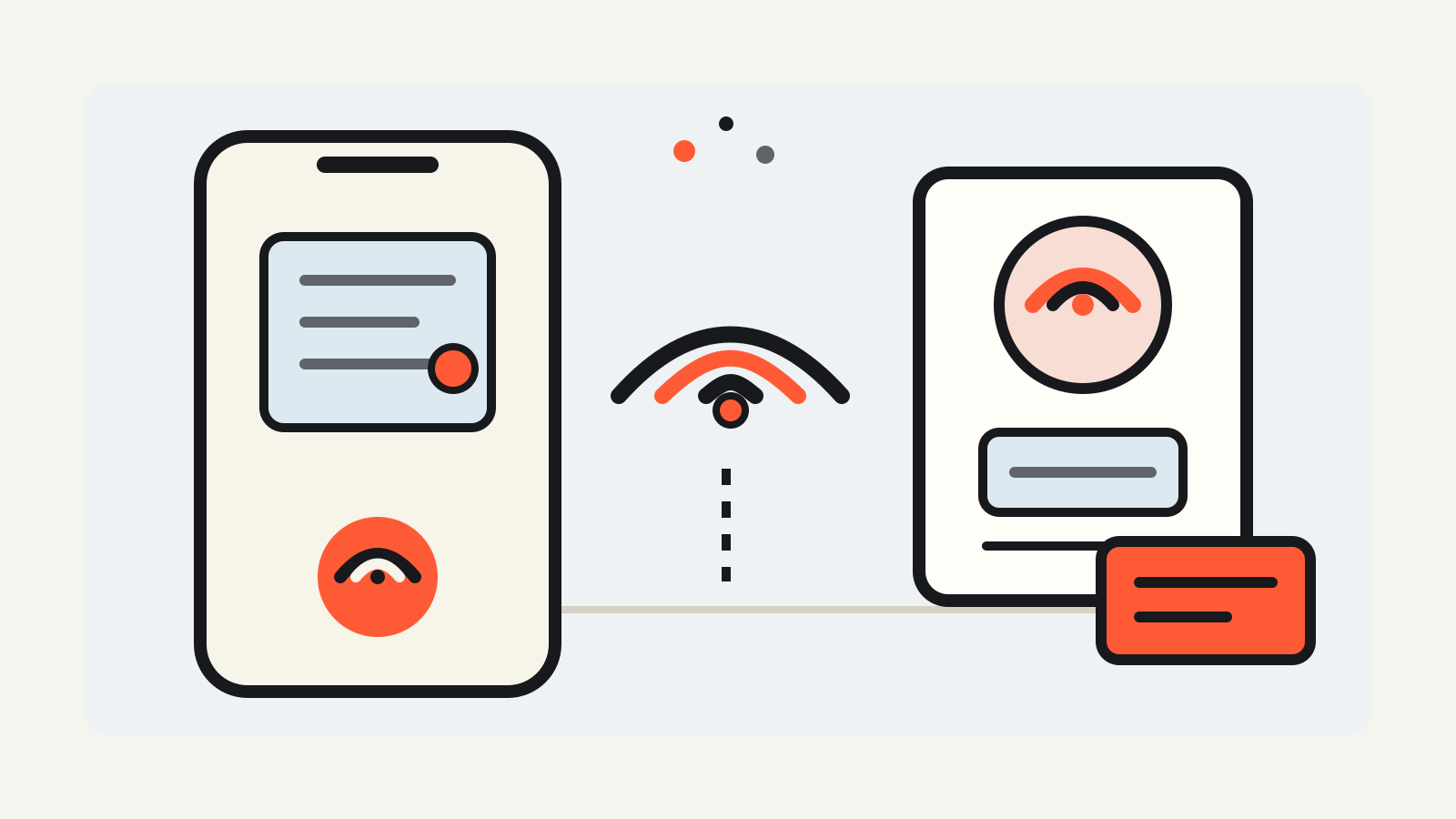
An NFC interaction needs an initiator that creates a radio field and a target that responds. A phone, payment terminal or other reader can create that field. A passive tag draws enough energy from it to wake up, process a command and return a small payload.
The exchange starts quickly and ends as soon as the devices move apart. NFC Forum specifications cover several compatible contactless protocols, so an NFC phone can work with established card and reader systems rather than requiring one universal tag design.
This is different from Bluetooth or Wi-Fi. Those technologies are better for longer-range, higher-volume connections. NFC is built for a brief exchange at very close range. The NFC Forum describes typical range as up to 2 cm for its current technical overview, while Android’s NFC documentation says Android connections generally start at 4 cm or less. Antenna design and alignment affect the practical tap point.
The main NFC modes
NFC can play more than one role. The three modes you are most likely to notice are:
- Reader/writer mode. A phone or dedicated reader reads a passive tag, such as a sticker containing a web address, a device setup instruction or a product identifier. Some tags can also be rewritten.
- Card emulation mode. A phone or watch behaves like a contactless card when it meets a payment, ticketing or access reader.
- Peer-to-peer mode. Two NFC devices exchange a small amount of data directly. Modern phones use this less visibly than tags and card emulation, but the mode remains part of the technology.
The NFC Forum also defines wireless charging over NFC for very small devices. Its current specification supports up to 1 watt, which suits accessories such as a stylus or compact tracker rather than a phone battery.
How NFC tags store information
A basic tag may hold a small record such as a URL, short text or an instruction for an app. Many phone interactions use NFC Data Exchange Format, or NDEF, a standard container that tells the receiving device what kind of record it has read.
The tag is not automatically a miniature website or app. It usually supplies data that the phone interprets. A URL record can offer to open a browser. A pairing record can help another radio, such as Bluetooth or Wi-Fi, start a connection. A product tag may carry an identifier that an app checks against an online service.
Tag capability varies. Android’s documentation distinguishes simple read/write tags from more complex tags with cryptographic hardware or their own operating environment. That is why one NFC sticker may cost very little while a payment or access credential needs substantially stronger hardware and controls.
How tap-to-pay uses NFC
For a contactless payment, the terminal is the reader and the card or phone presents a compatible payment credential. A physical card handles that role in its chip. A phone can emulate the card while keeping the credential in a secure element or using another approved architecture.
On supported iPhones, Apple says the NFC controller routes communication between the terminal and Secure Element. The Secure Element stores protected credentials, while the user authorizes the transaction with Face ID, Touch ID or a passcode. Android also supports secure-element card emulation and host-based card emulation, where an app handles compatible commands through the device host.
NFC is only the local radio step. The payment still depends on the wallet, device authentication, token or card credential, terminal, payment network and issuer. For that wider flow, see how Apple Pay works and what a digital wallet stores.
Does NFC require the internet?
The tap itself does not require an internet connection. A passive tag can return its stored record directly, and a reader can exchange commands with a card or phone locally.
What happens next may need a network. Opening a tagged web page obviously requires connectivity. A merchant terminal normally sends payment data through its payment system. An access reader may check a local list or contact a server, depending on how the operator built it. “NFC works offline” therefore describes the short radio exchange, not every service attached to it.
Is NFC secure?
Very short range reduces accidental connections, but distance is not an identity check. A tag can contain a misleading link, and a reader can ask for data that an app should evaluate carefully. Treat an unfamiliar NFC tag much like an unfamiliar QR code: read the on-screen destination before opening it and do not approve a payment or sign-in you did not start.
Payment and identity systems add protections beyond the NFC radio. Those can include encrypted credentials, secure hardware, cryptographic authentication and a device unlock. The exact safeguards depend on the card, phone, app and service. A cheap programmable tag should not be assumed to have the same protections as a payment credential.
NFC compared with QR codes and Bluetooth
NFC and QR codes can both pass a link or identifier, but they use different hardware. A QR code is visual and needs a camera. NFC uses radio and can work when the tag is hidden behind a label or inside a product. QR codes are easy to print at almost any size; NFC tags cost more but can be rewritten or equipped with stronger authentication.
Bluetooth reaches farther and carries more data. NFC can simplify the first step by identifying a device or passing setup details, then Bluetooth or Wi-Fi carries the ongoing connection. This is why tapping headphones or a speaker may start pairing without making NFC the audio link.
What to check on your phone
Look for NFC or contactless-payment settings in the phone’s settings or wallet app. Android manufacturers place the control in different menus, and some models keep NFC active automatically for wallet and system features. On iPhone, supported NFC functions appear through Wallet, compatible apps and background tag reading rather than one universal switch.
When a tag does not read, move the phone slowly around the marked tap point. Antennas sit in different places. Remove thick metal-backed cases, hold the devices close for a moment and make sure the screen or app is in the state the service expects.
Documentation checked: NFC Forum technical and consumer pages, Android NFC overview updated October 23, 2026, and Apple Platform Security pages, checked October 31, 2026.