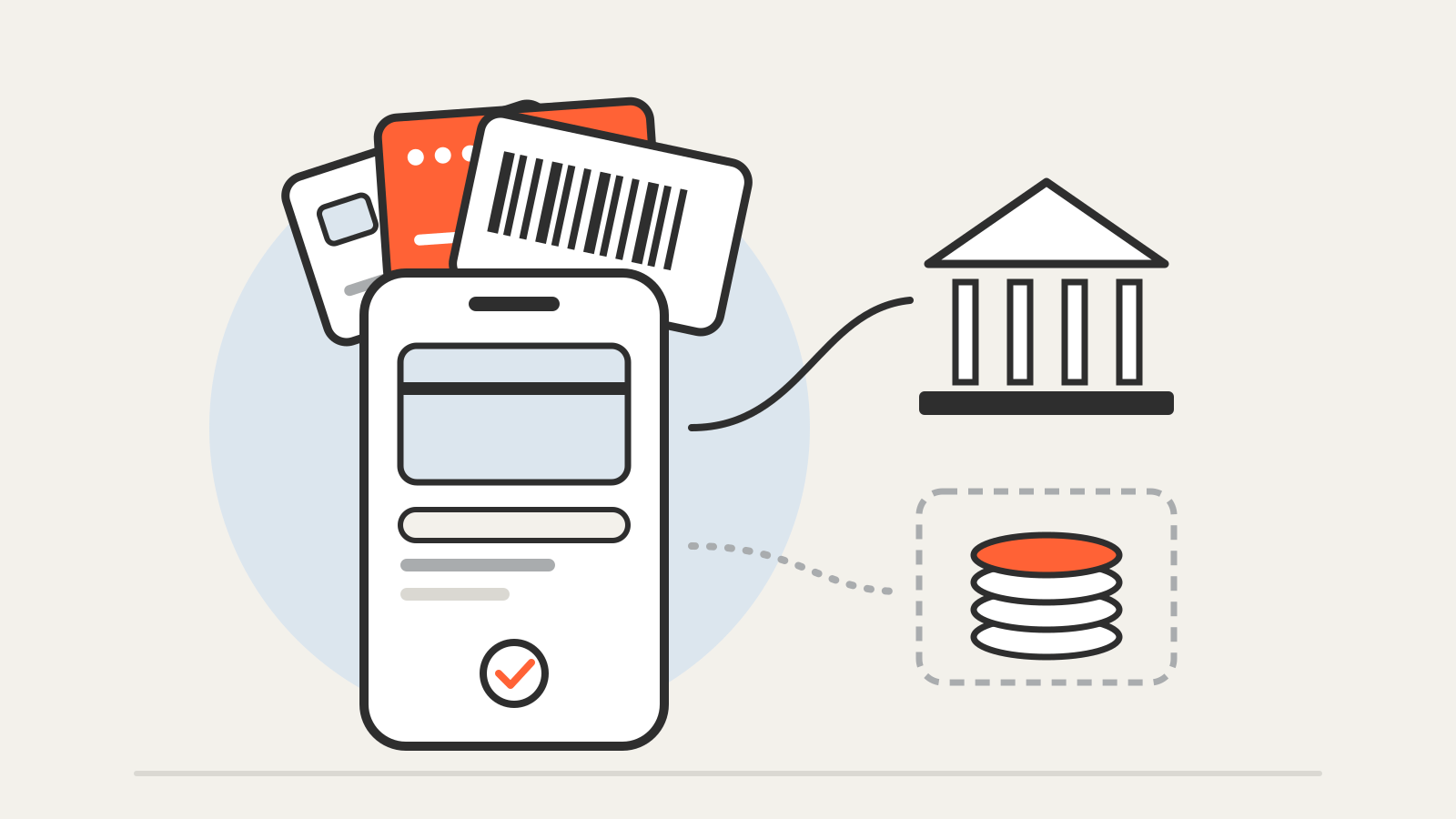
A digital wallet is an app that stores your payment or account details so you can pay without handing over a physical card. The U.S. Congressional Research Service describes it as software that stores payment or account details to make card, bank or cryptocurrency payments, and adds a point that is easy to miss: a wallet is “not itself” an account or a payment. It is a way to reach them. CRS
That distinction answers most practical questions. When the wallet only passes a payment through to your bank or card, the protections of that card or account still apply. When the wallet holds money itself, the rules can be quite different.
What a digital wallet can hold
The best-known wallets live on phones and watches, but the idea is broader. California’s financial regulator, the DFPI, notes that a wallet can store a driver’s license, loyalty cards and theater or airline tickets alongside payment details. DFPI
CRS groups wallets in three families:
- Retailer-specific wallets, offered by one store for its own goods. They can save a card, hold a gift card or keep a prepaid balance for future orders.
- General-purpose wallets, which work with many merchants. Some are tied to one phone system, such as Apple Pay and Google Pay; others, such as PayPal or Cash App, run on many devices. CRS notes that the companies behind general-purpose wallets are often regulated as money transmitters, licensed by states.
- Crypto wallets, which manage the keys for blockchain assets. They follow different rules, covered in what a crypto wallet actually stores.
How a phone wallet pays without your card number
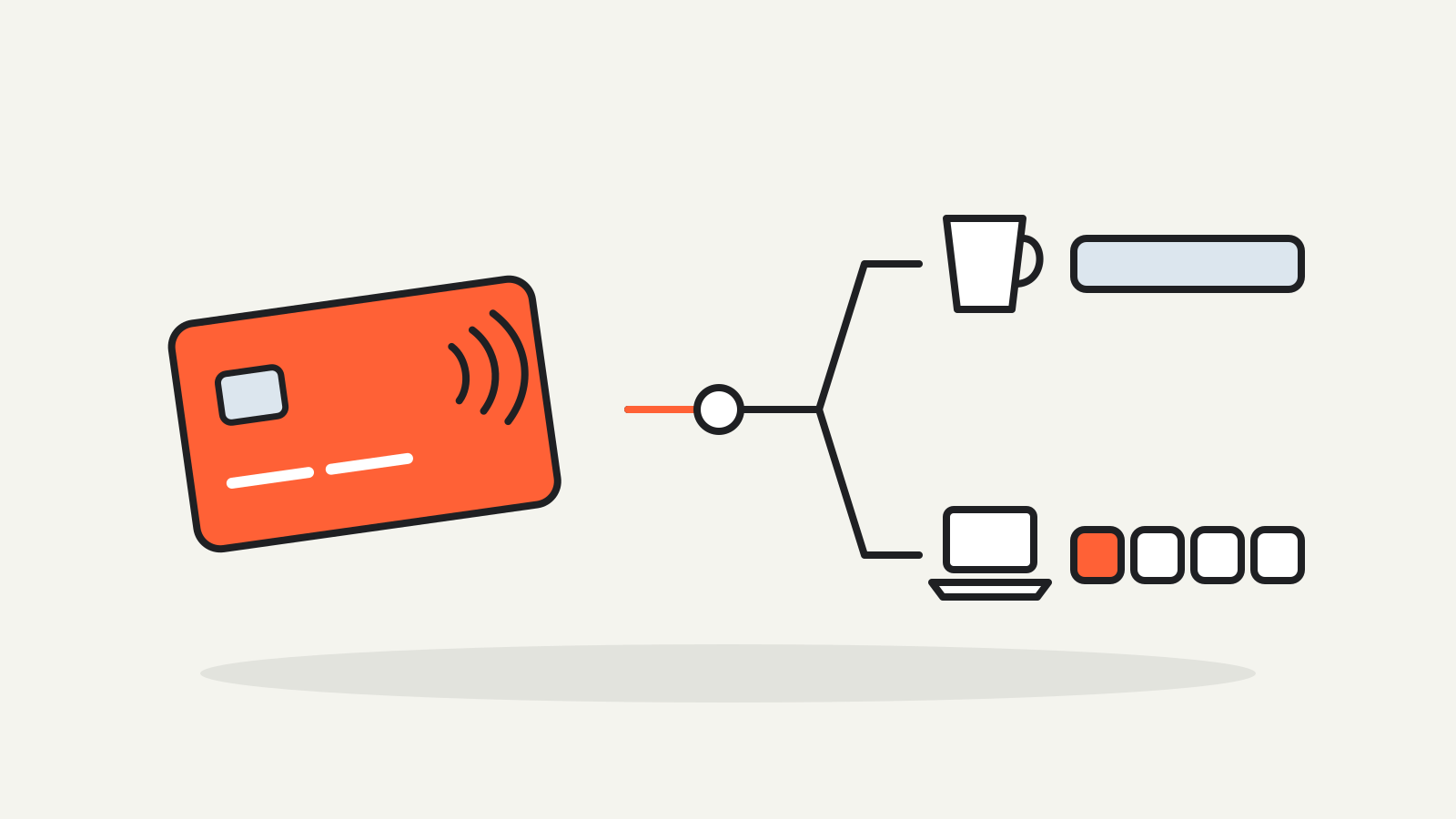
When you add a card to a phone wallet, the wallet usually does not store or send the number printed on the card. Google says Google Wallet creates a device-specific virtual account number, a device token, for each card you add. In a store payment, the only parties that see the real card number are the bank that issued the card and the card network, which turns the token back into the card number after its checks. Google
Apple describes a similar design. The card issuer creates a Device Account Number that is stored in a separate chip on the device, the Secure Element, and each payment carries a one-time dynamic security code that the issuer can check. Apple says it does not store the original card numbers and does not keep transaction information that can be tied back to you. Apple For the full Apple sequence, see how Apple Pay works.
Two other details matter in daily use:
- The phone’s lock becomes part of the card. Google says a locked device cannot be used to make purchases in stores, and Apple requires Face ID, Touch ID or the passcode, except for Express Mode transit and payment cards. Google Wallet Help
- Your bank decides. Google’s help pages say each bank chooses whether its cards work in Google Wallet and can restrict any card from mobile payments. Contactless payments with Google Wallet also need an Android phone with NFC. Google Wallet Help
What the terminal then does with the payment is the same as for a plastic card; see what happens after you tap your card.
A card in a wallet vs. money in a wallet
This is the part that changes your risk. Many payment apps do two jobs: they move money from a linked bank account or card, and they let you keep a balance inside the app. The Consumer Financial Protection Bureau points out that money you receive generally stays in the app until you move it to your linked account. CFPB
That balance may not be protected the way a bank deposit is:
- Nonbanks are never FDIC-insured themselves. The FDIC says money sent to a nonbank company is not eligible for deposit insurance until the company places it in an insured bank and other conditions are met. FDIC
- “Pass-through” coverage has conditions. The bank’s records must show a custodial or agency relationship, the real owners and their amounts must be identifiable, and the arrangement must be genuine. FDIC, Federal Reserve and OCC joint statement
- It covers the bank, not the app. The CFPB says pass-through insurance protects you if the bank holding the money fails, not if the payment app company fails. Some apps only offer it if you sign up for extras, such as a company-branded card or direct deposit.
- If the app company fails, the CFPB warns your money could be lost or tied up in a long bankruptcy process; the FDIC adds that recovery through insolvency proceedings may take time.
A card stored in a wallet is different. CRS notes that debit, credit and prepaid cards used through a mobile wallet keep the protections of the Electronic Fund Transfer Act and the Truth in Lending Act, including procedures for disputing unauthorized transactions. The same question, which company actually holds your money, comes up with fintech accounts too; see why a banking app isn’t always a bank.
Privacy: who sees what
Tokens keep the card number away from merchants, but the wallet provider still processes data. Google’s help pages say Google may use Google Pay transaction data to complete payments, show your history and resolve problems, and that Google discloses to participating sites and apps whether you have Google Pay set up, a setting you can turn off. Google Wallet Help CRS adds that U.S. wallet providers must give privacy notices under the Gramm-Leach-Bliley Act and can generally share information with affiliates.
Read the privacy settings of the wallet you use; they differ between providers and countries.
A short checklist
- Find out where a balance sits. If the app holds money, check its terms for the bank that holds the funds and the conditions for pass-through coverage.
- Move money you rely on. The CFPB and the DFPI both suggest moving received money to an insured account rather than leaving it in an app.
- Lock the device properly. Use a passcode and biometric unlock, and know how to lock or erase a lost phone remotely.
- Check fees before you send. The DFPI notes that some apps charge for faster transfers, currency exchange or card funding.
- Keep the plastic card’s details safe too. A token protects in-store and in-app payments; your printed card number still works wherever you type it in.