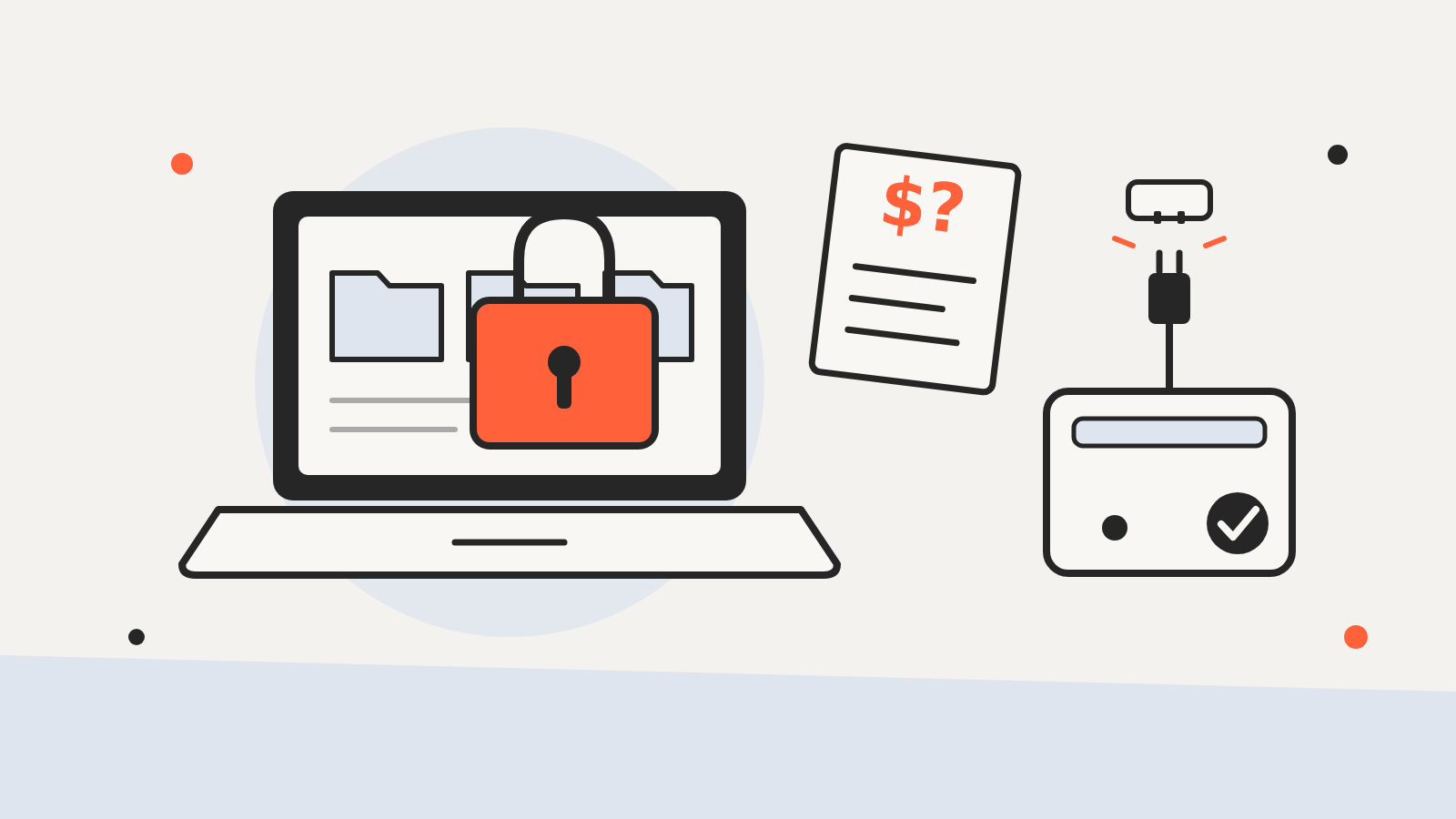
Ransomware is malicious software that locks up a person’s or an organization’s files, usually by encrypting them, and then demands a payment to unlock them. CISA describes it as an ever-evolving form of malware that makes files, and the systems that rely on them, unusable until a ransom is paid. Many attackers now also copy the data before locking it and threaten to publish it.
Quick answer Ransomware gets onto a device, scrambles the files so you can’t open them and leaves a note asking for money. Paying does not guarantee you get your files back, and U.S. agencies advise against it. The best protection is a recent backup kept disconnected from your computer, combined with prompt updates, careful handling of email links and attachments, and strong sign-in protection.
How ransomware works
An attack usually follows the same rough path. The attacker first gets in, then spreads, then locks the data and makes a demand.
Getting in. Microsoft lists the common routes: links and attachments in phishing emails, infected downloads, malicious ads and compromised websites, and security holes in software that hasn’t been updated. CISA adds that criminals also break into internet-facing services, such as remote desktop connections left open to the internet, and use stolen passwords.
Spreading. Once it is running, ransomware doesn’t stop at one file. CISA warns that it can spread to other computers on the same network and to shared drives that the infected machine can reach. In a business, that can mean servers and file shares, not just a single laptop.
Locking. The malware encrypts files with a key that only the attacker holds. The files are still there, but they’re unreadable without that key.
Demanding. A ransom note appears with payment instructions. CISA notes that attackers increasingly add pressure by threatening to leak what they’ve stolen.
Double extortion: stolen data as well as locked data
NIST’s ransomware profile describes ransomware as an attack that encrypts an organization’s data and demands payment to restore access, and notes that attackers may also steal information and threaten to release it. CISA’s #StopRansomware Guide calls this double extortion. The practical effect is that a good backup solves only half the problem: you can restore your files, but the stolen copy can still be leaked or sold.
Who gets hit
Ransomware is best known for attacks on organizations, where one infection can spread across a whole network of computers and shared drives. But home users are targets too: Microsoft publishes ransomware guidance for everyday Windows users and notes that phones and tablets can be affected as well as PCs.
Should you pay the ransom?
U.S. agencies say no. CISA states that paying a ransom doesn’t guarantee that you’ll get your data back or that the attackers will delete stolen copies, and that the federal government does not support paying. Microsoft’s advice to home users is the same: don’t pay.
There is also a legal angle for organizations. The Treasury Department’s Office of Foreign Assets Control (OFAC) warns that paying a ransom to a sanctioned person or group can violate U.S. sanctions rules even if the payer didn’t know who was on the other end, because liability is strict. OFAC says requests for a license to make such payments will be reviewed with a presumption of denial. It treats prompt reporting to law enforcement and full cooperation as factors in the payer’s favor if a payment later turns out to involve a sanctioned party.
How to protect yourself
The steps that help most are not exotic. They come up again and again in CISA’s guide and Microsoft’s advice.
| Step | Why it helps |
|---|---|
| Keep an offline backup | You can restore your files without dealing with the attacker |
| Install updates promptly | Closes the software holes ransomware uses to get in |
| Be wary of links and attachments | Phishing is one of the most common entry points |
| Use strong sign-in protection | Makes stolen passwords far less useful |
| Turn on built-in protections | Blocks untrusted apps from changing your folders |
Backups that ransomware can’t reach. CISA recommends keeping backups offline and encrypted, and testing that you can actually restore from them. A backup drive that stays plugged in can be encrypted along with everything else, so disconnect it once the backup is done. Cloud storage with version history can help too: Microsoft says OneDrive lets you restore files to an earlier version after a ransomware attack.
Updates. Ransomware often gets in through known flaws that already have a fix. Turn on automatic updates for your operating system, browser and apps. When attackers use a flaw before a fix exists, that’s a zero-day vulnerability, and updating as soon as the fix lands matters even more.
Sign-in protection. CISA’s guide recommends phishing-resistant multifactor authentication. For a personal account, a security key or a passkey is the strongest option, and keeping 2FA recovery codes somewhere safe means you won’t lock yourself out.
Built-in tools. On Windows 10 and Windows 11, Microsoft’s Controlled Folder Access in Windows Security stops unknown apps from changing files in protected folders. Organizations should also follow CISA’s advice not to leave remote desktop services exposed to the internet.
What to do if you’re hit
- Disconnect. Unplug the network cable or turn off Wi-Fi on the affected device so the malware can’t reach other machines or shared drives.
- Don’t rush to pay or wipe. Agencies advise against paying, and the infected system can hold details that help investigators.
- Report it. CISA directs U.S. victims to report incidents to the FBI’s Internet Crime Complaint Center (IC3), to CISA or to a local Secret Service field office.
- Ask about decryptors. CISA’s guide suggests checking with law enforcement, because free decryption tools exist for some ransomware strains.
- Restore from a clean backup once the device has been cleaned or rebuilt.