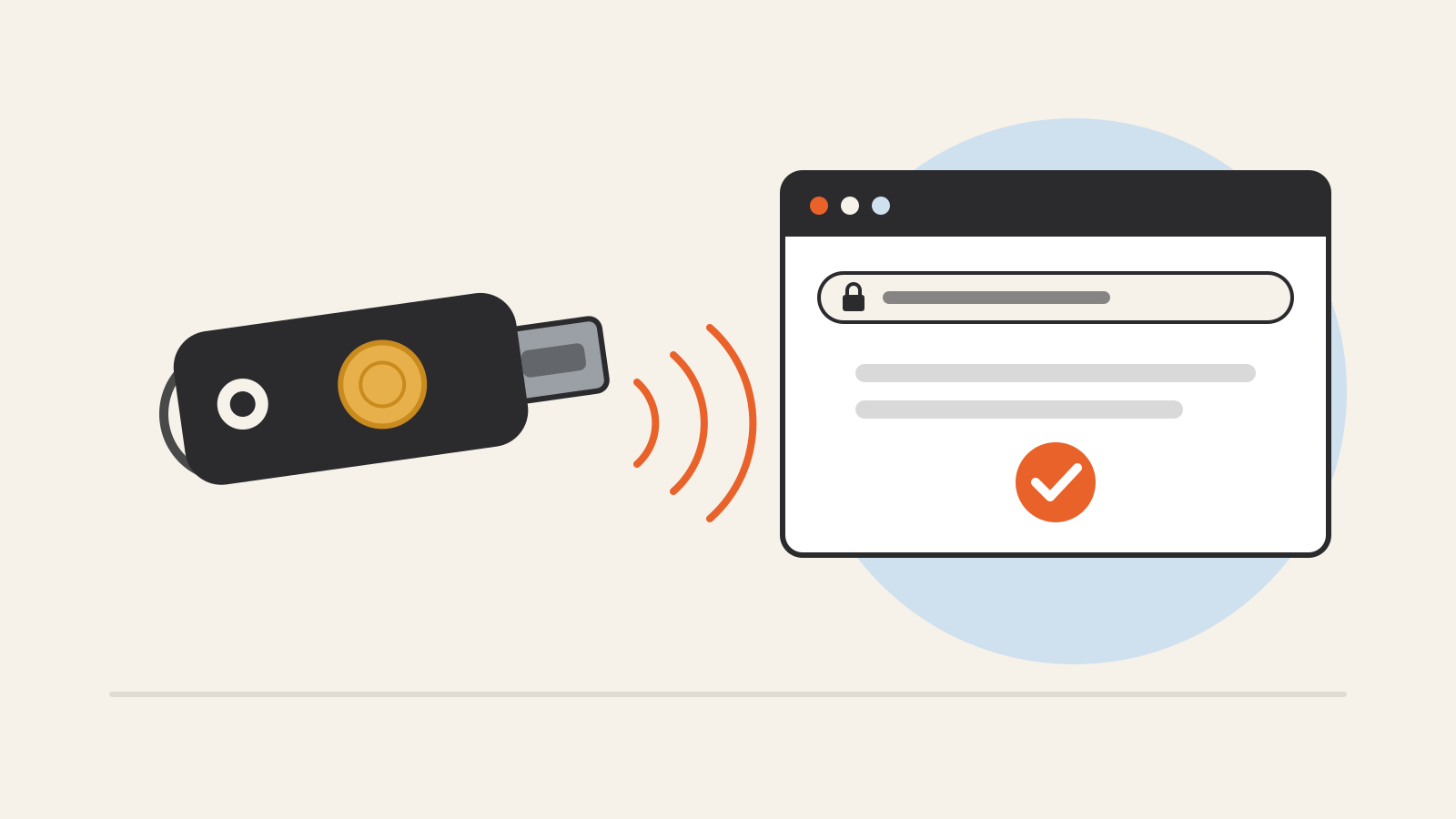
A security key is a small physical device that proves it is you when you sign in to an account. Apple describes it as “a small external device that looks like a thumb drive or tag.” You plug it into a USB port or hold it against your phone, touch it, and the website lets you in.
What makes a hardware security key different from a text-message code or an authenticator app is that it cannot be tricked into helping a fake website. That is why CISA, the U.S. cybersecurity agency, puts this kind of sign-in at the top of its ranking of multifactor methods, and why Google requires a passkey or security key for its strongest account protection.
How a security key works
Most security keys follow the FIDO standards from the FIDO Alliance and the related WebAuthn standard published by the W3C. In WebAuthn terms, a security key is an authenticator. CISA distinguishes two kinds: separate physical tokens, called “roaming” authenticators, that connect over USB or NFC, and “platform” authenticators built into laptops and phones. A security key is the roaming kind.
When you add a key to an account, the key creates a new pair of cryptographic keys. According to the WebAuthn specification, the private key stays on the authenticator, and only the public key is sent to the website, which stores it with your account. At each later sign-in, the site sends a challenge, the key signs it with the private key, and the site checks the signature against the public key it holds.
There is no code for you to read out or type, and the private key does not leave the device.
Why phishing does not work against it
A phishing page copies a real login screen and collects whatever you type into it, including a six-digit code from a text message or an app. CISA’s fact sheet gives exactly this example and lists app-based codes as “vulnerable to phishing attacks.” SMS and voice codes are worse: CISA says they are also exposed to SIM swaps, in which an attacker takes over your phone number, and to weaknesses in the SS7 telephone network. It calls SMS a “last resort” option.
A security key closes that gap because each credential is tied to one website. The WebAuthn specification says a credential “can only be used for authentication with the same entity” it was registered with, identified by its domain. The key also includes the address of the site making the request in what it signs, so a response produced for one site “cannot be replayed against a different origin.” A look-alike domain gets nothing it can use, even if you are fooled.
That is why CISA calls FIDO/WebAuthn authentication “the gold standard” of multifactor authentication and says it is “the only widely available phishing-resistant authentication.”
Security key vs. passkey
The two terms overlap. A passkey is a FIDO credential that replaces a password, and the FIDO Alliance says it can be stored on your phone or computer “or in a hardware security key.” Passkeys can be synced across your devices or bound to a single device, the Alliance adds; one created on a security key stays on that key.
Many services let you use a security key in either role:
- As a second step. You enter your password, then touch the key. Google says any FIDO1 or FIDO2 key can be used this way for 2-Step Verification.
- As a passkey. You sign in with the key alone, usually with a PIN. Google says this requires a key that supports FIDO2.
Some keys ask for a PIN before they work. Google notes that a key can lock after too many incorrect PIN entries and must then be reset, which Chrome can do from its security key settings.
Setting one up
Steps differ by service, but the official guides share a few points.
Buy two keys. Apple’s Security Keys for Apple Account requires at least two FIDO Certified keys and accepts up to six. Apple suggests keeping them in different places, such as one at home and one at work.
Match the connector to your devices. Apple’s guide is a useful map: NFC keys work with iPhone by tapping; USB-C works with iPhone 15 or later and most Macs; Lightning works with iPhone 14 and earlier; USB-A suits older Macs or needs an adapter. A key with both NFC and USB-C works with most Apple devices. Google’s Titan Security Key comes in USB-C and USB-A versions, both with NFC.
Look for FIDO certification. Apple says its feature works with any FIDO Certified key and points to the FIDO Alliance’s list of certified products.
Keep a recovery route. Google recommends adding other ways to prove it is you in case a key is lost. Apple is stricter: once security keys are on, the only ways to sign in to your Apple Account on a new device are a key or another trusted Apple device, and “if you lose all of your trusted devices and security keys, you could be locked out of your account permanently.”
What to expect
Turning keys on can change more than your sign-in screen. When you set up keys for an Apple Account, Apple signs you out of devices you have not used or unlocked in more than 90 days. Child accounts and Managed Apple Accounts cannot use the feature, and older devices that cannot be updated to iOS 16.3, iPadOS 16.3 or macOS Ventura 13.2 can no longer sign in.
Google’s Advanced Protection Program, built for people at risk of targeted attacks such as journalists and activists, requires a passkey or security key to sign in and adds stricter checks on downloads and third-party app access.
Not every service supports keys yet. CISA notes that some systems still lack phishing-resistant options; where a key is not accepted, an authenticator app still ranks above text messages in its list. Accounts that hold other accounts’ keys, such as your email, your password manager and the account behind your phone, are the natural place to start. The same applies to accounts that hold sensitive conversations, including AI assistants; our AI privacy guide covers what those services keep.