GitHub has put issue statuses and repository boards into public preview. Instead of an issue being only open or closed, it can now sit in a stage such as In review, and a board view shows where each one stands. GitHub announced it in a changelog entry dated November 23, 2026.
The seven statuses
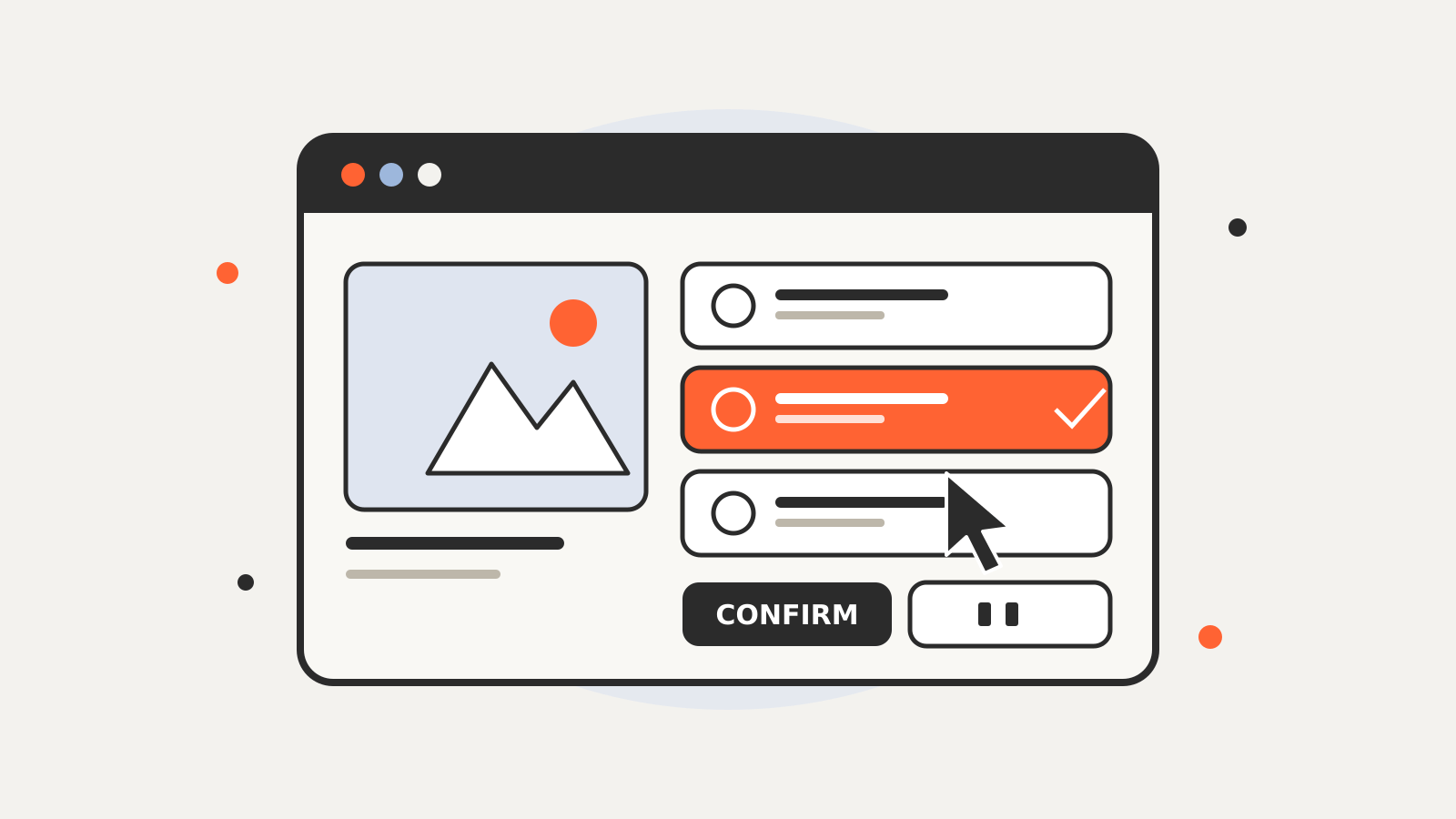
You pick a status when you create an issue or change it from the issue header. The available statuses are Backlog, Todo, In progress, In review, Done, Not planned and Duplicate. The status appears in issue icons on the repository’s issues page, on the issues dashboard and on repository boards, and a status: filter finds issues in a given state.
GitHub also moves statuses automatically:
- Linking a draft pull request to an issue moves it to In progress.
- Marking a draft pull request ready for review moves the issue to In review.
- Linking an open pull request to an issue moves it to In review.
- Assigning a user moves the issue to Todo.
- Assigning an agent moves it to In progress.
If a GitHub Project has a status value that matches one of these, changing either side updates the other. The status can be read and set through GraphQL, the REST API and the GitHub MCP server, so automations and agents can use it. Status changes are also available as a trigger for Copilot automations. For what separates an agent that acts from a chatbot that answers, see AI agents vs. chatbots.
Repository boards
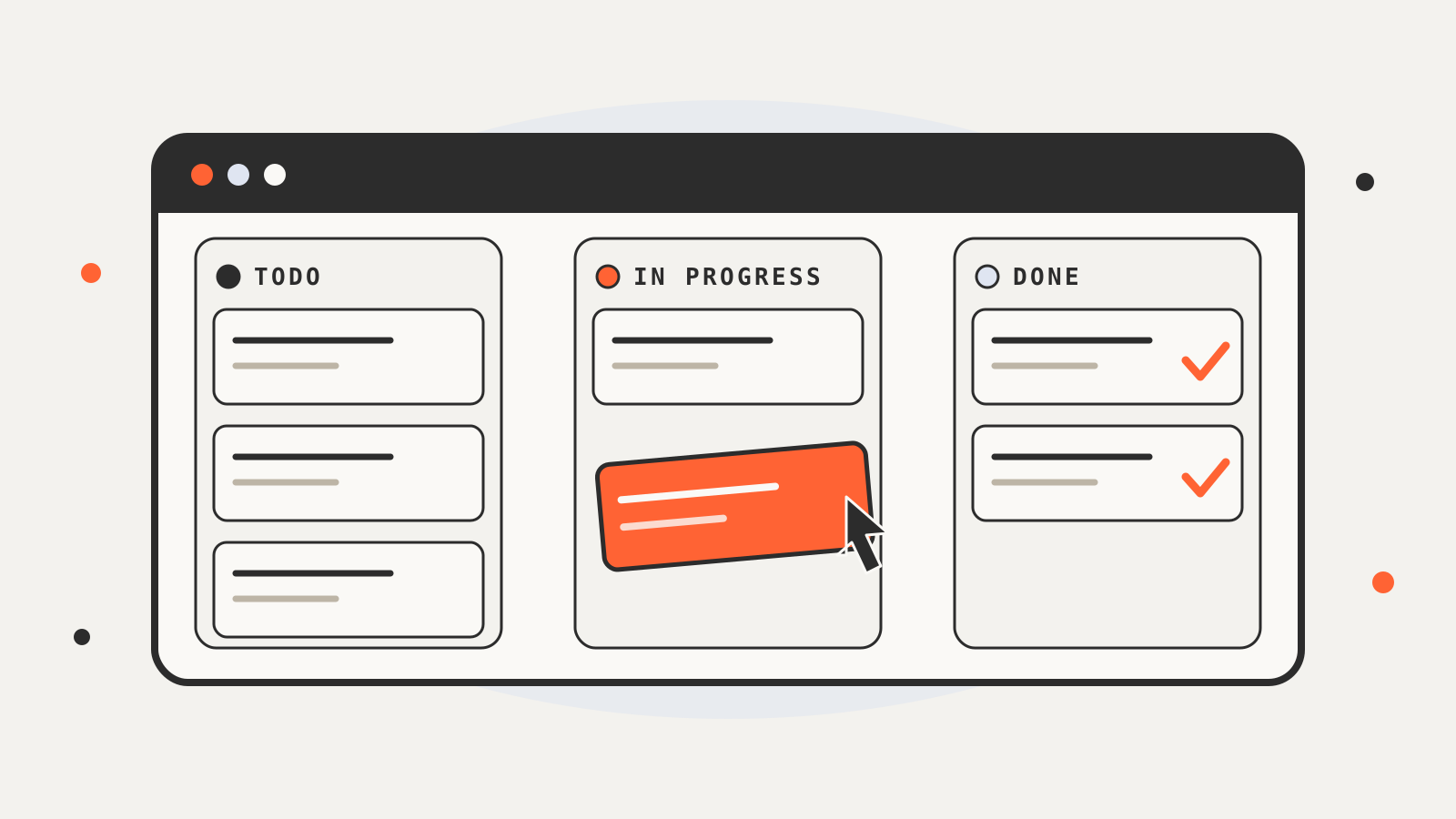
Saved views in a repository now support a board layout. Grouped by status, issues appear as cards in columns, and dragging a card to another column changes its status. You can configure columns, swimlanes, visible fields and sorting. GitHub points teams that need more advanced planning to a GitHub Project instead.
A change to issue fields
The same entry changes how issue fields work. Until now, fields other than Priority had to be mapped to an issue type before they showed on an issue. Now any issue field can be added to any issue through the cog menu in the sidebar. Fields still appear by default only when they are pinned to the issue’s type.
What GitHub has not said
The entry marks the feature as a public preview. It does not say which plans include it, whether it reaches GitHub Enterprise Server, or when it will be generally available. GitHub has a community discussion open for feedback, and teams that build automations on status values should treat the details as subject to change during the preview. For another recent change to how GitHub handles AI features, see the Copilot default feature policy.