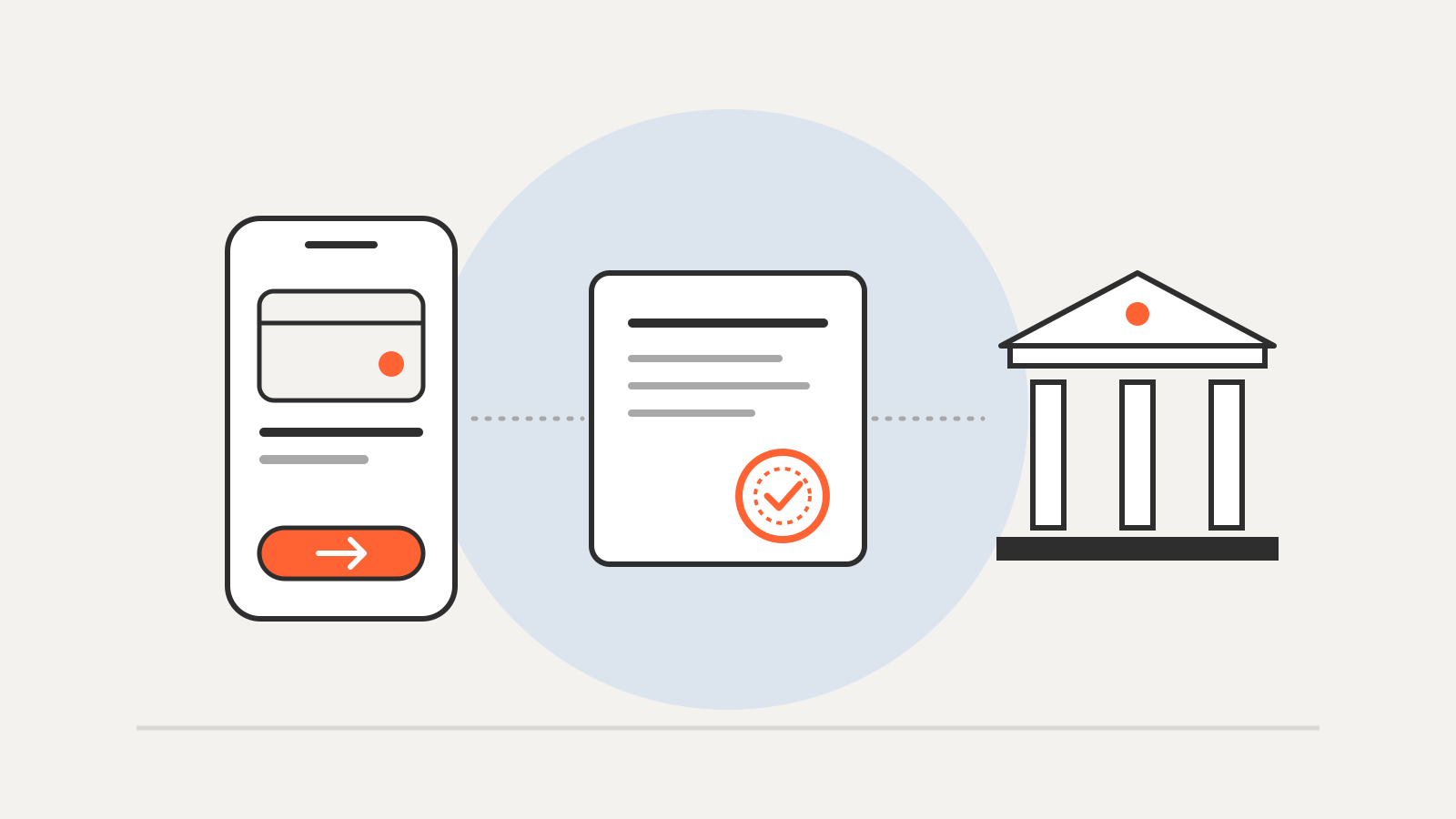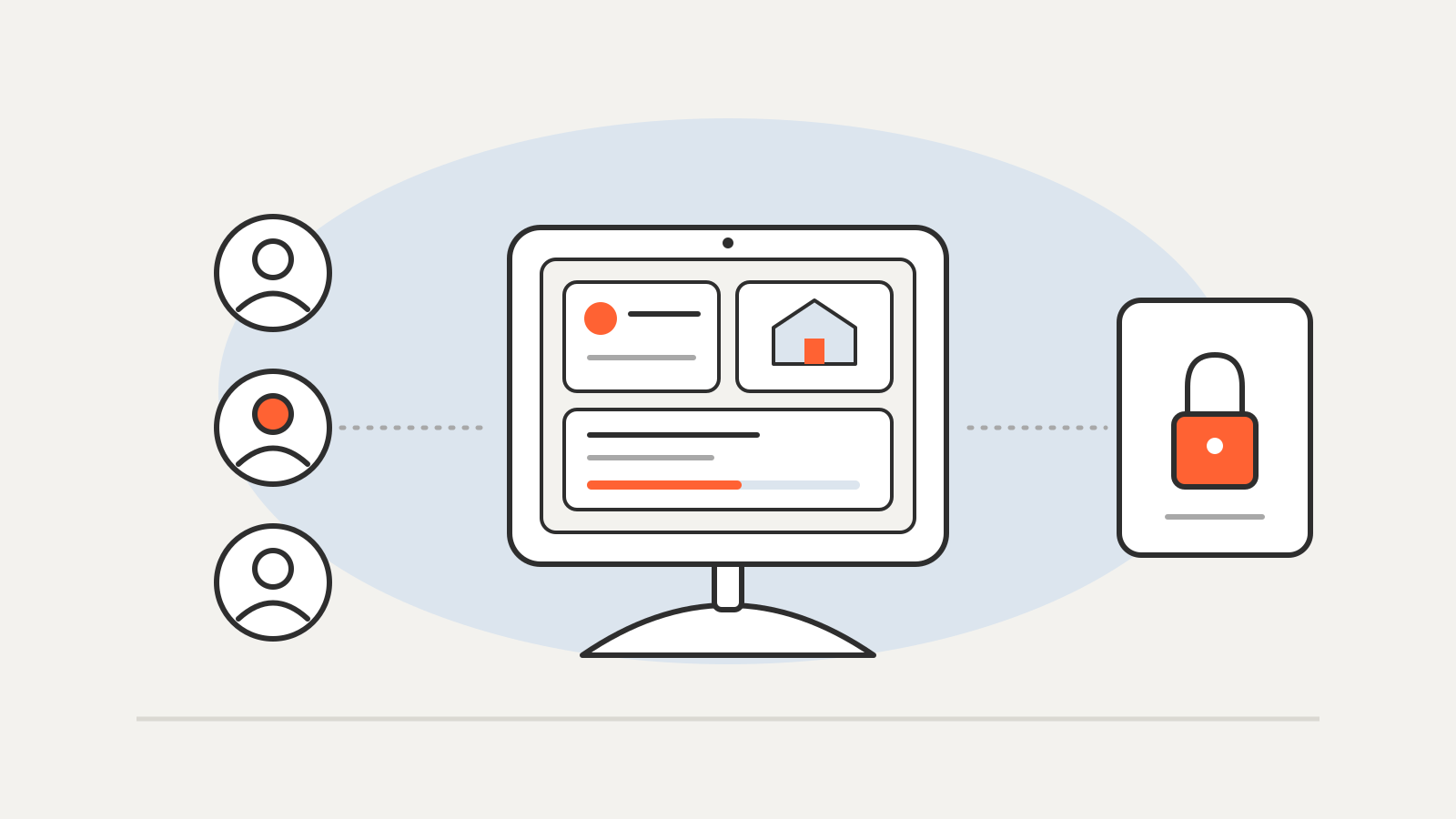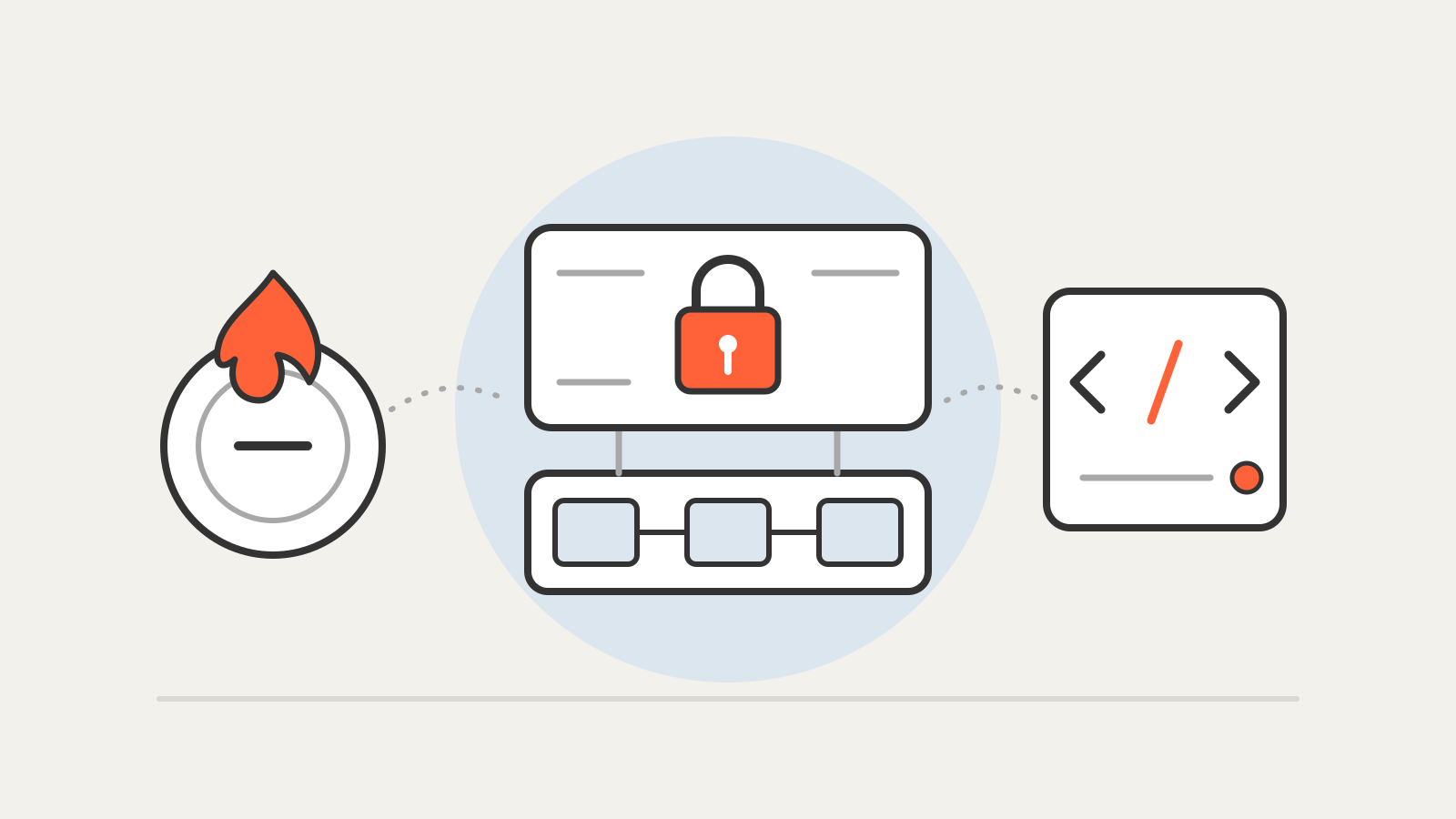
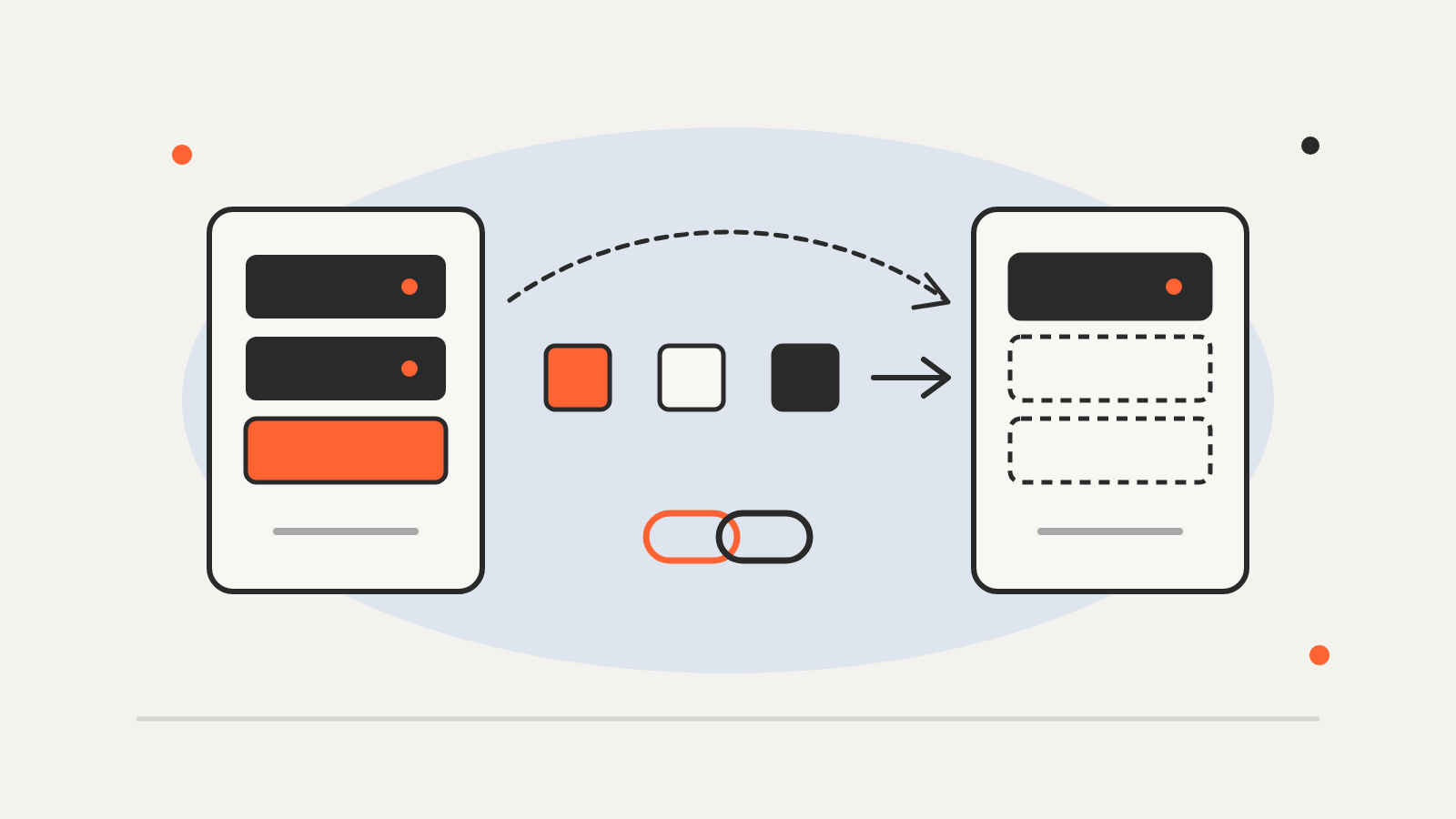
WordPress Reprint is a free, open-source tool for copying a WordPress site, files and database together, from one server to another. WordPress.org announced it on November 13, 2026, and it is now in the WordPress Plugin Directory alongside a command-line client. It is aimed at owners moving to a new host or making a local testing copy.
In the announcement on WordPress.org, Adam Zieliński describes Reprint as part of the project’s Data Liberation work, which has been running since 2024. The copy goes straight to the computer or server the owner chooses, piece by piece, with no outside service in the middle. The old host does not need spare disk space for an archive, and visitors can keep using the site during the copy.
How a Reprint copy works
The process has two halves. On the existing site, the owner installs the Reprint plugin and creates a Migration Token under Tools > Reprint Server. On the receiving machine, the command-line client, reprint.phar, uses that token to download the site over HTTPS. Activating the plugin does not start a copy on its own.
The move-to-another-host guide shows the client running a keygen command, then pull with the database engine and new site address. The plugin page lists what it handles:
- What is copied: posts, pages, media, users, settings, themes, plugins and database tables. Caches, logs, backups and temporary files are skipped.
- Where it can go: a MySQL or SQLite database. The destination does not need WordPress installed, and the source does not need SSH access; WordPress admin access is enough.
- Links: Reprint rewrites the old address to the new one across HTML, block markup, shortcodes, JSON, base64 and serialized PHP data.
- Interruptions: a dropped connection resumes, and later copies transfer only what has changed.
Requirements
| Part | Requirement |
|---|---|
| Plugin on the source site | WordPress 4.7 or later, PHP 5.6.20 or later |
| reprint.phar client | PHP 7.4 or later on the receiving computer |
| Destination for a host move | command-line PHP, web server setup and an empty database |
The plugin page lists version 0.11.8, with more than 60 active installations. Multisite networks are supported.
Points to check before copying
A copy can include personal data, password hashes and secrets, so it should be stored with the same care as the live site, and the move guide says to keep migration state outside directories the web server serves. A copy may still be connected to live email or payment services, which should be switched off on a test copy. For a final move, WordPress.org suggests pausing changes and taking one last copy.
Removing the Migration Token ends access; existing copies are unaffected. The plugin is download-only and accepts no uploads back into the site.
A separate copy can also serve as an independent backup; see what ransomware is.