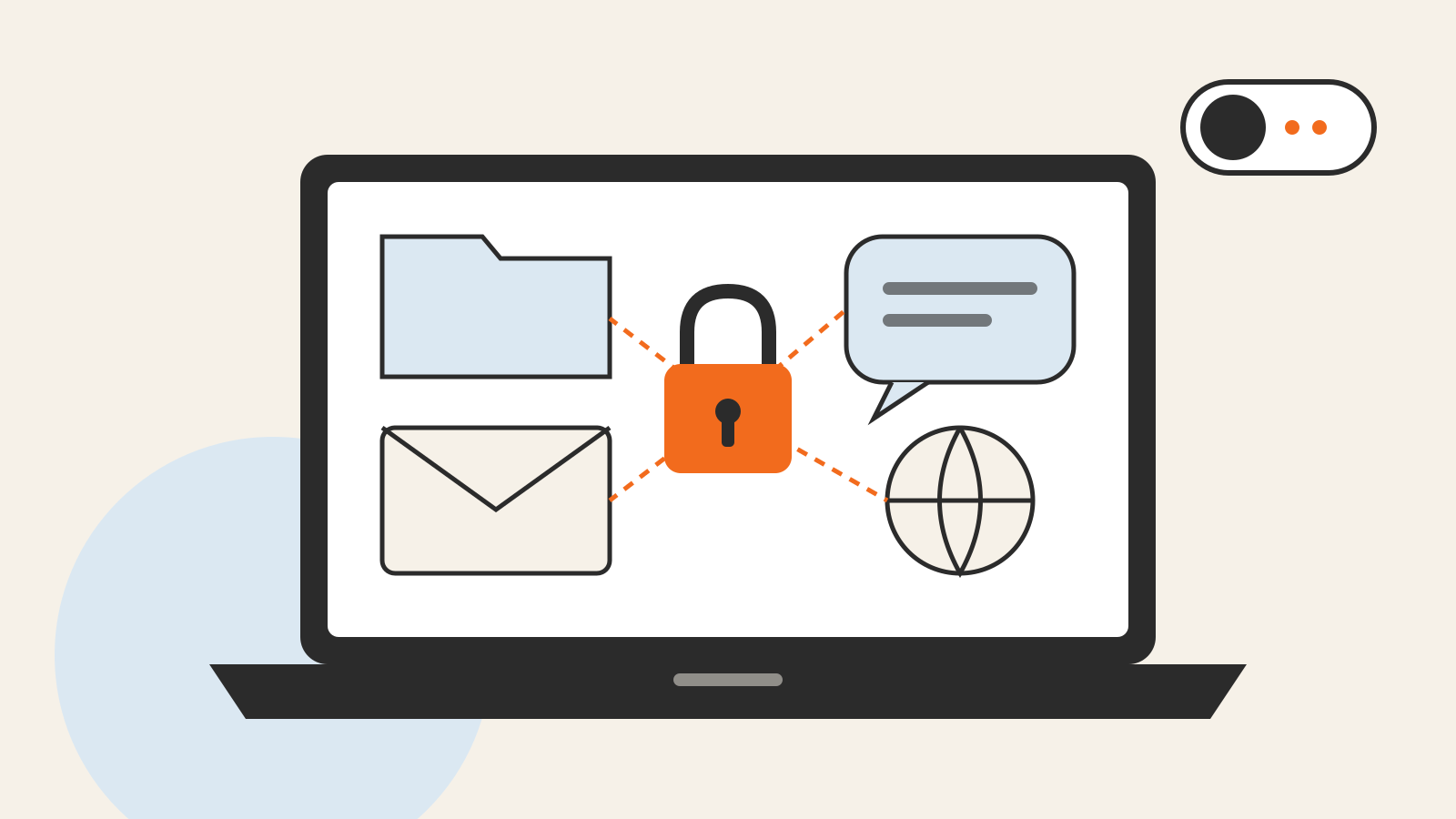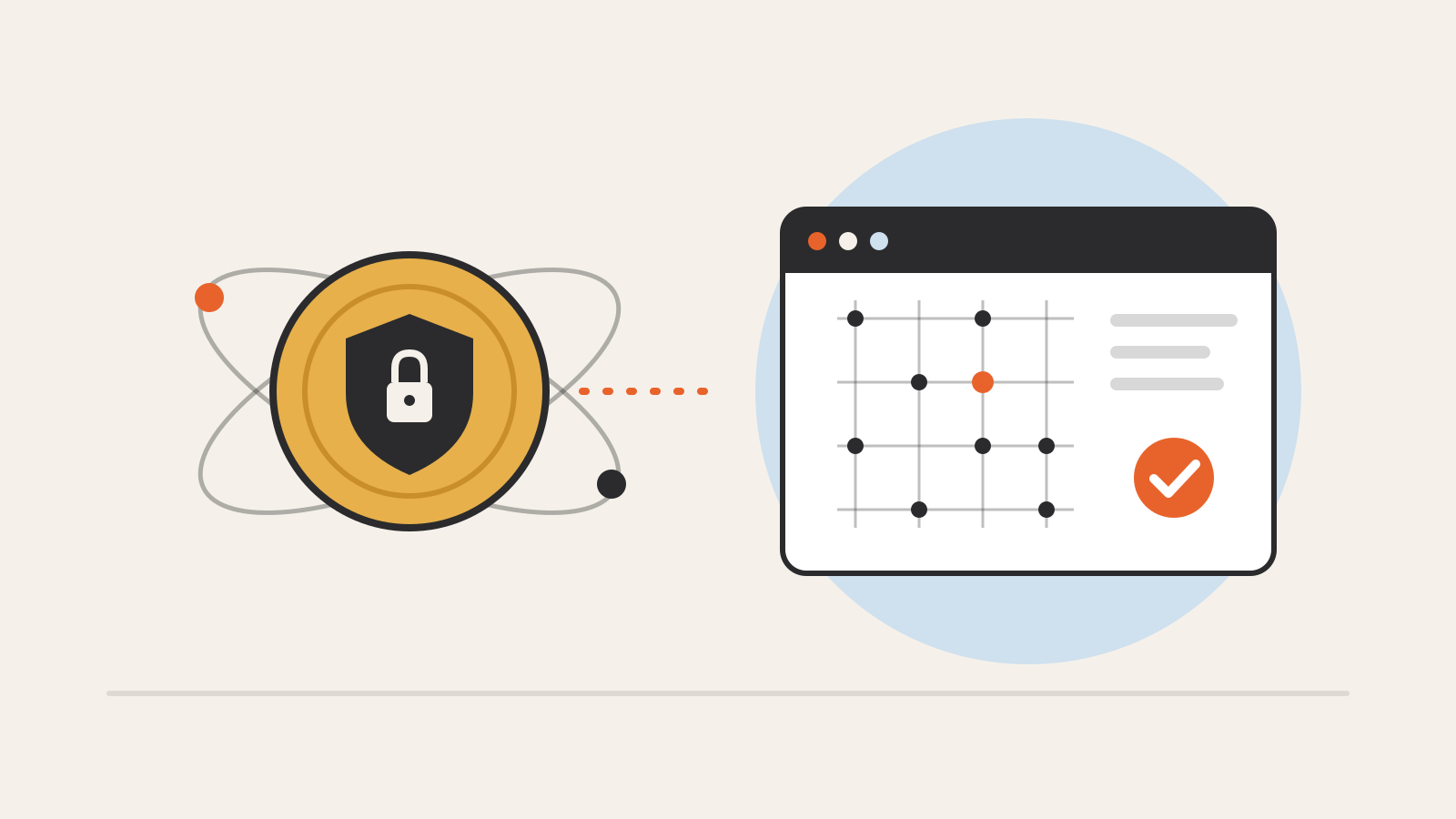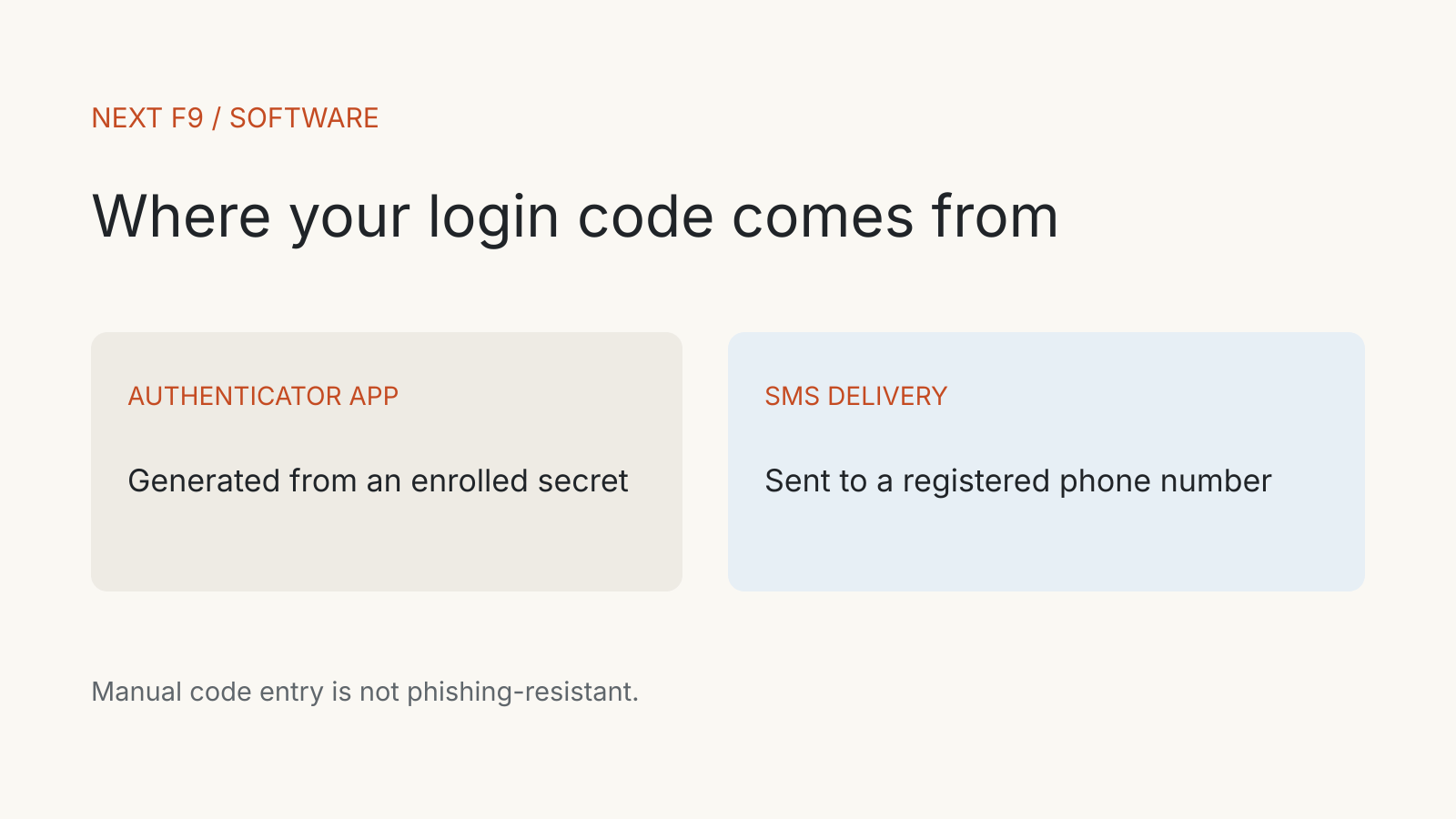
In an authenticator app vs SMS comparison, the main difference is how the login code reaches you. An app generates it from an enrolled secret; SMS delivers it through a registered phone number. Both manually entered codes can be phished.
An authenticator app here means a code-generating app, rather than every app that can approve a login. That distinction matters: a time-based code, a push approval and a passkey are different authentication methods, even when they appear on the same phone.
What the second factor proves
Multi-factor authentication combines different kinds of evidence. NIST describes the factors as knowledge, possession and inherence: something you know, have or are. A password plus another password does not become two distinct factors merely because two text fields appear.
A password combined with an enrolled one-time-code generator commonly adds evidence that the person logging in controls the authenticator. NIST classifies a single-factor OTP generator as a possession factor. Its “single-factor” label describes the authenticator itself; using it alongside a password can form a multi-factor login.
The practical question is which enrolled method the service accepts. A phone capable of several methods does not mean every account is using the strongest one.
How an app generates a code
NIST describes OTP generators as sharing a secret with the verifier. The authenticator and verifier compute values that can be compared. The changing input can come from time or a counter; the app does not need an incoming SMS to produce that value.
Time-based codes have a limited validity period. When you enter one, the service checks it against the expected value. NIST requires a verifier to accept a given OTP only once while it is valid, which addresses reuse of the same code.
Enrollment and device replacement therefore deserve care. The code-generating secret is a credential. A picture of an enrollment screen should not be treated as an ordinary screenshot to send to support or save in a shared folder.
NIST’s current guidance describes binding the app on a new device and invalidating the old one, or using a qualifying synchronisation mechanism. Your service and app determine which transfer route is available. Read their instructions before erasing the old phone.
What changes with SMS
With SMS, the service uses a pre-registered telephone number to deliver a secret outside the primary login channel. Access to that number becomes part of the authentication path.
NIST classifies public-switched-telephone-network delivery as restricted, rather than banning it universally. Its guidance calls for alternative methods and consideration of risk signals such as device changes, SIM changes and number porting. Limited mobile coverage can also prevent delivery.
An app-generated code avoids reliance on that incoming phone-number message. It does not remove every risk attached to the phone, account or recovery process. Losing access to an enrolled app can still leave you dependent on the service’s recovery procedure.
Compare the methods by the actual failure
| Question | Code-generating app | SMS code |
|---|---|---|
| How does the code arrive? | Generated by the enrolled authenticator | Delivered to a registered number |
| Does it depend on receiving a text? | No | Yes |
| What is the key possession path? | The enrolled generator and its secret | Access to the registered phone-number route |
| Can manual entry be phished? | Yes | Yes |
| What must be planned before a device change? | Transfer, re-enrollment and recovery | Number access, delivery and recovery |
The table compares code methods. It does not rank every product that calls itself an authenticator.
Why one-time codes can still be phished
An impostor can ask you to enter a fresh code into a fraudulent login page and relay it to the real service. A code being short-lived does not stop that attack while the code is valid.
NIST explicitly excludes manually entered OTP and out-of-band outputs from phishing-resistant authentication. The issue is that typing the value does not bind it to the particular authenticating session. An app code may avoid the SMS route while retaining that phishing limitation.
Phishing-resistant methods use cryptographic authentication bound to the verifier or channel. NIST identifies WebAuthn, used with FIDO2, as a method that binds authentication to the verifier name. See our hardware security key explainer for the separate device category.
Before changing your account setting
Open the account through its known address or app and inspect the methods it offers. NIST’s small-business guidance recommends enabling MFA where available and looking for phishing-resistant options on sensitive accounts.
Before removing an existing method, establish how you will regain access after a lost or replaced device. Follow the service’s recovery instructions and keep recovery credentials private. Confirm a new enrollment using the documented procedure rather than assuming an icon on the phone proves the account is ready.
The account’s recovery route belongs in the comparison too. A stronger everyday login can still leave a sensitive fallback that needs protecting.