Apple said on October 2 that it will add new controls to Full Disk Access, the macOS permission that lets an app read nearly everything on a Mac, so that users who want to grant it can do so only with “very explicit user action.” The company named AI agents as the reason the change matters now. Source: Apple Developer
“As AI agents become increasingly capable and autonomous, the risks associated with this level of access will grow substantially,” Apple wrote in the post on its developer news site.
What Full Disk Access does
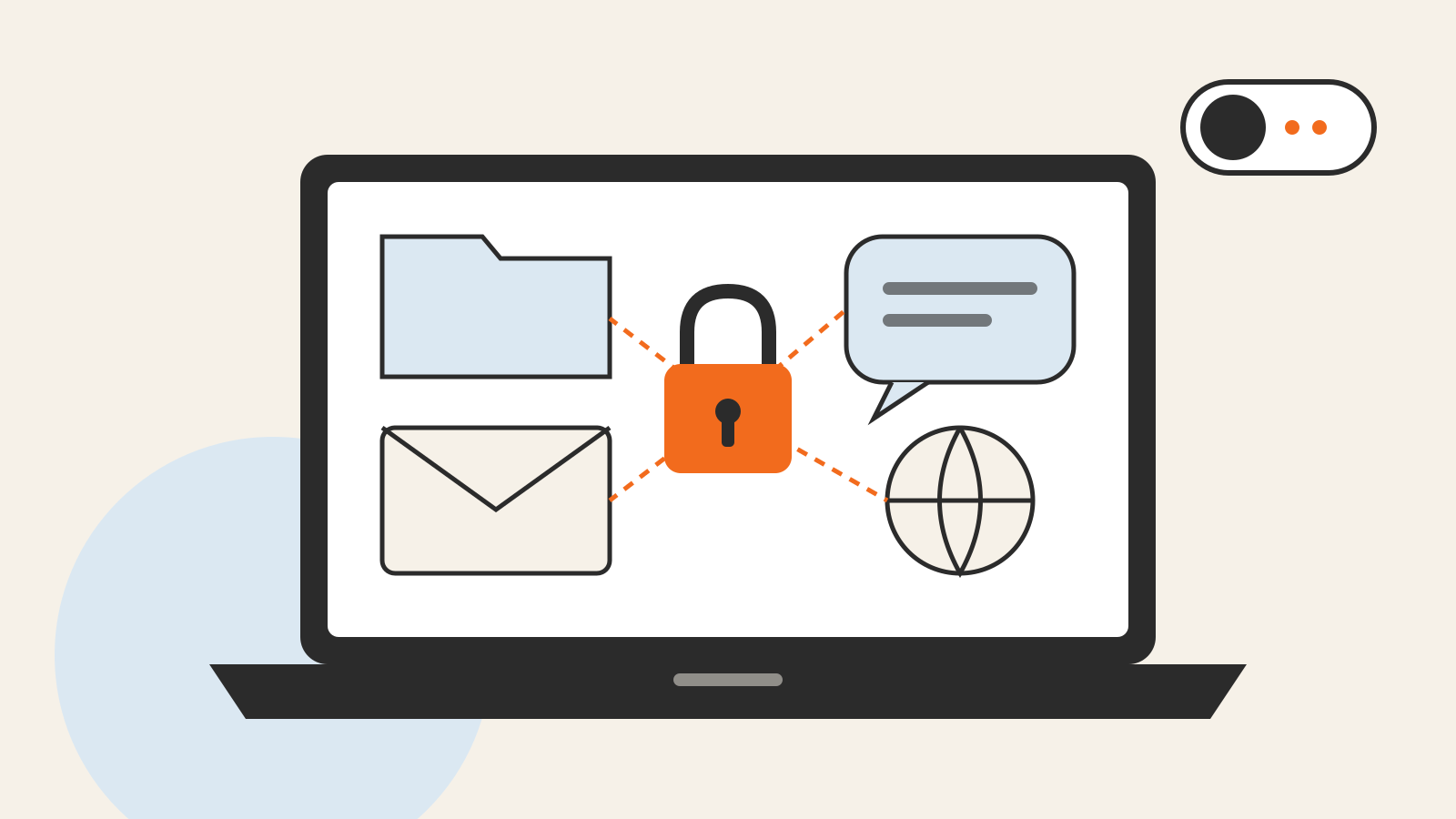
macOS asks for permission before an app opens personal data such as files in Documents, Downloads and Desktop, and Apple’s security guide describes that consent model as enforced by the system. Full Disk Access sits above those prompts. According to Apple’s Mac User Guide, it allows apps “to access all files on your computer, including data from other apps (for example, Mail, Messages, Safari, and Home), data from Time Machine backups, and certain administrative settings for all users on this Mac.” An app gets it only if the user adds it in System Settings under Privacy & Security.
Apple says the permission “largely sidesteps” the Mac’s other privacy controls so that backup apps can work. Its concern is how other developers use it: some, it says, are using Full Disk Access “in ways that could put users at risk, exposing everything on their systems—including files, mail, messages, and even browsing history—without users’ full knowledge and understanding.” For communication apps, Apple adds, this can also compromise the privacy of the people a user communicates with.
What Apple has and has not said
The post commits to “additional controls” and to making sure users “clearly understand these risks before granting such access.” It does not say what the new controls will look like, which macOS version will bring them, when they will arrive, or whether apps that already hold the permission will keep it. It does not name any app or developer.
Until the change ships, the setting works as before. You can see which apps hold the permission in System Settings > Privacy & Security > Full Disk Access and switch off any you do not recognize or no longer need. An app that only has to work with one project folder or one account does not need access to the whole disk; the same narrow-permission logic applies to browser extensions.
The change concerns apps running on the Mac itself. For AI assistants that process your data on their own servers, what they keep and train on is set by each company’s policies, which our AI privacy guide compares, and our explainer on on-device vs. cloud processing covers where the work actually happens.