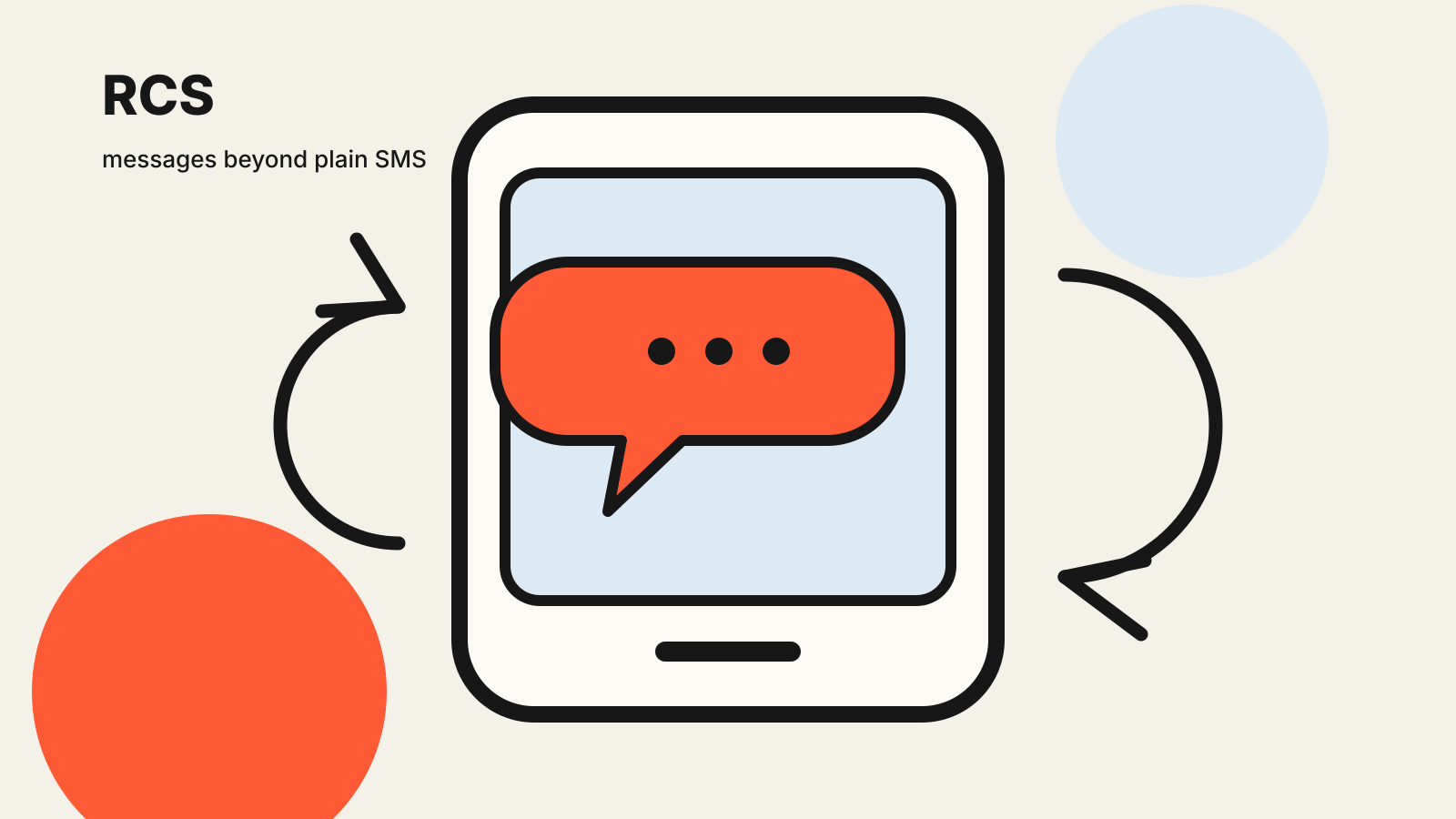
RCS messaging is the attempt to give the default phone messaging experience features that people already expect from modern chat apps. It can support higher-quality media, group conversations, typing indicators and business messages, while still being tied to a mobile number.
That simple description hides an important limit: RCS is a set of specifications and services, not one universal app. What you can send depends on your phone, messaging app, mobile operator and the person you are contacting. When any part of that chain lacks support, a conversation may fall back to SMS or MMS.
What RCS stands for
RCS means Rich Communication Services. The GSMA publishes a common implementation framework called the RCS Universal Profile. Its aim is interoperability: a participating device and service should not need a separate proprietary account for every contact.
The Universal Profile lists capabilities such as chat, group chat, file transfer, audio messages, video sharing, location sharing and business messaging. It also defines capability discovery, which allows a messaging service to check which features are available before trying to use them.
That is different from SMS. A standard SMS carries text through the mobile network’s messaging infrastructure and works on almost every mobile phone. RCS is richer, but it needs compatible software and a data connection.
How an RCS conversation starts
Your messaging app normally checks whether the recipient can receive RCS. If both sides are reachable through compatible services, the conversation can use RCS features. If not, the app may offer or automatically use SMS or MMS, depending on your settings.
This means the label shown in the compose box matters. Some apps display “RCS message” when the richer channel is available and “Text message” when the message will use SMS or MMS. That label is more useful than assuming every conversation in the same app behaves identically.
RCS traffic uses mobile data or Wi-Fi rather than the SMS channel. Your operator or app provider may still set conditions, and normal data charges can apply. Availability also varies by country, carrier, device and app version.
What RCS can add beyond SMS
The most visible difference is media. RCS can carry larger files and higher-quality photos than MMS, although providers can still set size and format limits. It can also support:
- delivery and read indicators;
- typing indicators;
- named group chats and participant controls;
- voice notes, files and location sharing;
- richer contact cards and suggested actions;
- business messages with images, buttons and Rich Cards.
The GSMA’s Universal Profile 4.0 announcement adds specifications for bold, italic and strikethrough text, along with improved media negotiation and business Rich Cards. It also describes fallback behavior so formatting markers do not become confusing plain text when a message is sent as SMS.
A published specification does not mean every phone has every feature immediately. Vendors and operators implement versions on their own schedules. Treat a feature list as the possible RCS toolkit, then check what the actual conversation exposes.
Is RCS encrypted?
Do not use “RCS” and “end-to-end encrypted” as synonyms. The transport and the privacy protection are separate questions.
In March 2025, the GSMA said Universal Profile 3.0 included an end-to-end encryption framework based on the Messaging Layer Security protocol. The GSMA’s encryption announcement describes a common approach intended to work across different providers.
Implementation still matters. A particular conversation may not use end-to-end encryption if one participant, service or feature does not support the necessary profile. Business messaging, backups and fallback SMS can also have different protections. Use the encryption indicator inside the conversation rather than relying on the RCS label alone.
End-to-end encryption protects message content between participating endpoints. It does not make a message anonymous or hide every piece of metadata. Providers may still process information needed to route messages, prevent spam and operate the service.
What happens when RCS falls back to SMS
Fallback is convenient because it can deliver a message when RCS is unavailable. It also changes the experience.
An SMS fallback can lose rich formatting, read receipts, typing indicators, large media and end-to-end encryption. MMS may handle images or group messages, but with different size limits and quality. Depending on your plan, SMS or MMS charges may apply even when data messaging is included.
Before sending sensitive information, check the channel displayed by the app. If the compose box has changed from RCS to SMS, the security and feature assumptions have changed too.
You can often control fallback in the messaging app’s settings. Turning it off avoids an unnoticed downgrade, but a message may remain unsent until RCS becomes available. There is no single right choice; it depends on whether delivery or channel consistency matters more for that conversation.
RCS business messages are not ordinary person-to-person chats
Companies can use RCS to send branded messages with verified sender information, images, suggested replies and action buttons. A travel company might show a boarding update; a retailer might present a delivery card; a bank might offer a shortcut to an authenticated app.
Those interface elements do not remove the need for caution. A brand name or polished card is not permission to share a password, one-time code or payment credential. Use the sender verification shown by the app, avoid links that do not match the business, and move sensitive account actions to the company’s official app or website.
Spam controls are also part of the ecosystem. The GSMA profile includes privacy and abuse-handling mechanisms, while individual apps and providers decide how reports and blocks work in practice.
How to tell whether RCS is active
Open a conversation and look at the compose field or conversation details. Common signals include an “RCS message” label, typing indicators, read receipts or a status page showing that chat features are connected. The wording differs between apps.
If RCS will not connect, check these points in order:
- Confirm that mobile data or Wi-Fi works.
- Update the messaging app and the phone’s operating system.
- Check that RCS or chat features are enabled in the app.
- Verify the phone number if the app asks for it.
- Ask whether the recipient’s device and service support RCS.
- Review the fallback setting before resending.
Changing phones or SIMs can temporarily interrupt number registration. If a message remains stuck, avoid repeatedly sending the same sensitive content through several channels.
RCS versus SMS, MMS and internet chat apps
SMS wins on reach. It works without both people installing the same app and can function on basic phones. MMS adds media and group messaging but usually with tighter file limits.
RCS keeps the phone-number model while adding a modern feature set. Its weakness is uneven implementation: the exact result depends on several providers.
Internet chat apps control more of their own stack. They can roll out features consistently inside their user base, but both people usually need an account with the same service. RCS instead aims to make the default messaging channel more capable.
If the network side of a phone upgrade also matters, Next F9’s guide to Wi-Fi 7 explains another standard whose real-world result depends on compatible equipment at both ends.
The practical takeaway
RCS is best understood as a negotiated messaging channel. Your app discovers what the other side can handle, uses richer features when the chain supports them and may fall back when it does not.
Check the channel label, the encryption indicator and the app’s fallback setting. Those three signals tell you more about the message you are about to send than the name of the app alone.
Sources reviewed: GSMA RCS Universal Profile overview, Universal Profile 4.0 announcement dated 26 March 2026, and GSMA encryption announcement dated 14 March 2025. Last checked 27 October 2026.