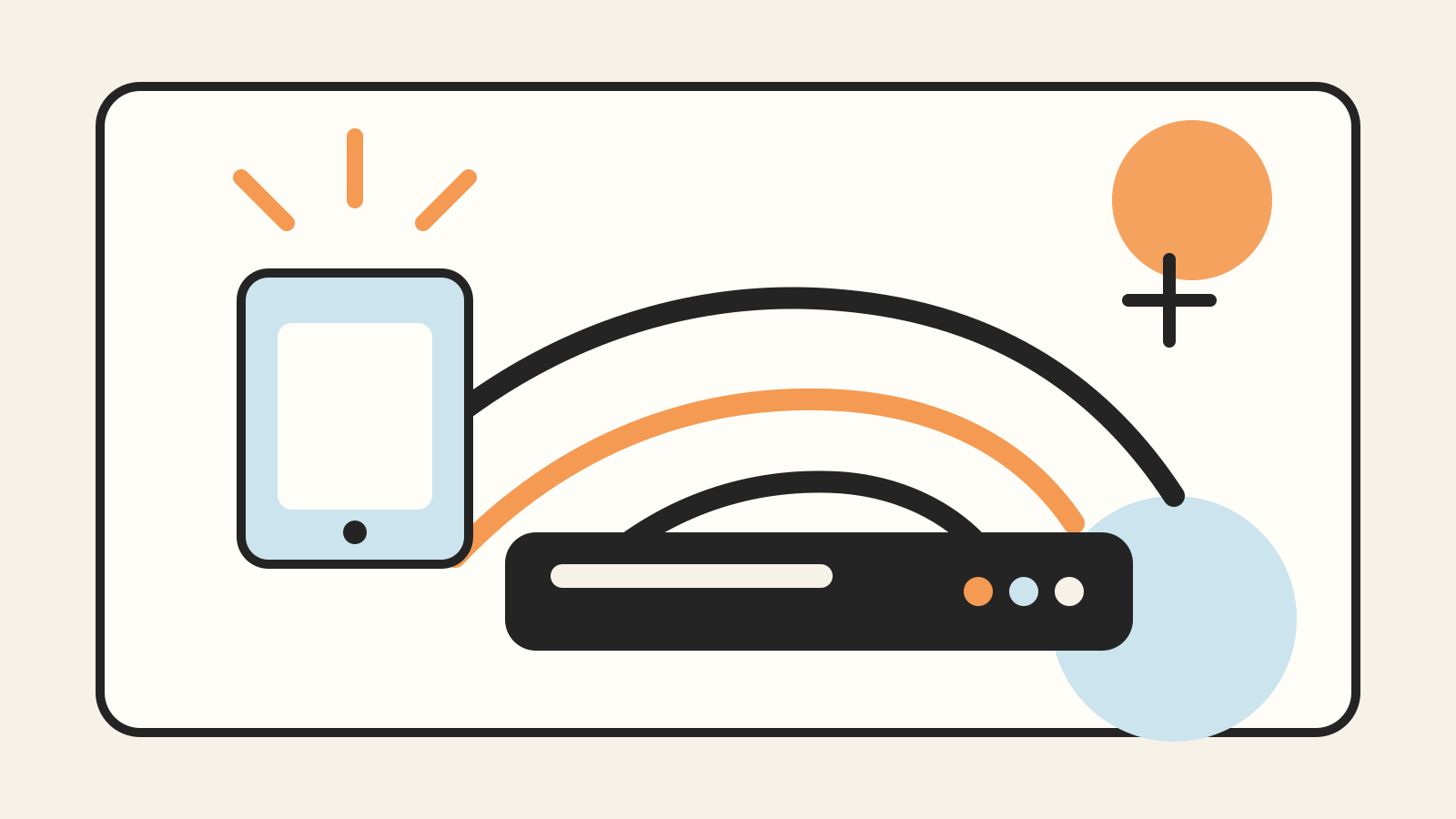
Wi-Fi 7 is the latest certified generation of mainstream Wi-Fi, built around the IEEE 802.11be amendment. It adds several ways for a router and a compatible device to move data more efficiently: wider channels, denser modulation and the option to use more than one wireless link.
Those capabilities are real, but the label on a router box does not guarantee the same result in every room. Your client device, local spectrum rules, interference, backhaul and internet connection still set practical limits.
Wi-Fi 7 and IEEE 802.11be are related, not identical
IEEE develops the underlying 802.11 technical standards. Wi-Fi Alliance runs interoperability certification programs for products. The Alliance launched Wi-Fi CERTIFIED 7 in January 2024, while IEEE’s 802.11be work defines the physical-layer and medium-access changes behind the generation.
Certification matters because a standard can contain many options. A certified product has been tested against a defined program rather than merely using a chip that supports some new features. When comparing devices, check for Wi-Fi CERTIFIED 7 rather than relying only on a vendor’s use of “Wi-Fi 7 compatible.”
Wi-Fi 7 works across the familiar 2.4 GHz and 5 GHz bands and can also use 6 GHz where regulators have made that spectrum available for Wi-Fi. The exact channels and power rules therefore vary by country.
Wider 320 MHz channels need 6 GHz spectrum
A channel is a slice of radio spectrum. Wi-Fi 6 and Wi-Fi 6E support channels up to 160 MHz. Wi-Fi 7 can double that width to 320 MHz, allowing more data to be transmitted at once under suitable conditions.
The important limitation is location. Wi-Fi Alliance says 320 MHz channels are available only in countries that make the 6 GHz band available to Wi-Fi. Even there, a router and client both need suitable radios, and the surrounding spectrum must be usable. A device connected on 5 GHz cannot obtain a 320 MHz channel merely because the router’s product page lists one.
Wider is not always better. A wide channel occupies more spectrum, which can make interference and channel planning harder in crowded buildings. Shorter-range 6 GHz signals also do not automatically replace the coverage of 2.4 GHz through walls.
Multi-Link Operation can combine or switch links
Older Wi-Fi clients generally associate through one band and channel at a time. Multi-Link Operation, or MLO, lets a Wi-Fi 7 device establish multiple links and use them in coordinated ways.
Wi-Fi Alliance describes MLO as allowing simultaneous transmission and reception over multiple links, with goals including higher throughput, lower latency and better reliability. In practice, the useful behavior depends on what both ends support. A laptop with a single Wi-Fi 6 radio will still connect, but it will not gain Wi-Fi 7 MLO by connecting to a newer router.
MLO is also why a single “maximum speed” number can be misleading. Some advertised totals combine capacity across bands, spatial streams and ideal channel widths. They are not a promise that one application on one client will reach that total.
4K QAM packs more information into a clean signal
Quadrature amplitude modulation encodes information by varying a radio signal. Wi-Fi 7 adds 4K QAM, also called 4096-QAM. Wi-Fi Alliance says it can deliver 20% higher transmission rates than the 1024-QAM used by Wi-Fi 6.
That gain requires a sufficiently strong, clean link. Denser modulation leaves less room between signal states, so distance, walls and interference can force a connection to use a more robust but slower mode. This is a peak-efficiency improvement, not a 20% increase at every spot in a home.
Multi-RU and puncturing make fragmented spectrum more useful
Wi-Fi divides a channel into smaller resource units when serving devices. Wi-Fi 7 certification includes support for assigning multiple resource units to one station. It also includes static puncturing, which allows a device to avoid an interfered part of a wide channel instead of abandoning the entire channel.
These features are mostly invisible to the person using the network. Their value is in giving an access point more flexibility when the spectrum is busy. They do not remove interference or guarantee low latency, but they can help the network use available airtime more efficiently.
A Wi-Fi 7 network still depends on its slowest boundary
A fast wireless link can only move data as quickly as the rest of the path permits. A 1 Gbps Ethernet port, an older mesh backhaul or a slower internet plan can become the bottleneck before the radio does.
Local transfers can tell a different story from internet speed tests. Copying a file to a fast computer on the same network tests more of the Wi-Fi and local network. Loading a website also depends on the internet service, remote server and software.
This is similar to what happens when a cloud region goes offline: the service experience depends on several connected systems, not one component in isolation. Work that stays on your device can avoid some network dependence, as our guide to on-device versus cloud processing explains.
Backward compatibility does not upgrade old clients
Wi-Fi 7 access points are designed to coexist with earlier Wi-Fi generations. An older phone can usually connect using the generation it supports. That is useful during a gradual upgrade, but the old client keeps its own radio limits.
For the new features to matter, both the router and client must support them. MLO, 320 MHz channels and 4K QAM are negotiated capabilities, not upgrades that a router imposes on every connected device.
Security configuration matters too. Use the security modes supported by the certified equipment and keep router firmware current. Avoid weakening the whole network merely to accommodate a legacy device; separating old devices may be safer when the router supports it.
When a Wi-Fi 7 upgrade makes sense
A Wi-Fi 7 router is easiest to justify when you already have compatible clients, a multi-gigabit local network or a clear congestion problem that the new features can address. It may also make sense during a planned router replacement when the price difference is modest and you expect to keep the equipment for years.
It is less likely to fix a dead zone caused by placement, concrete walls or a poor mesh layout. Moving an access point, adding wired backhaul or using an additional node can produce a larger improvement than changing the generation number.
Before buying, check four things:
- whether your country permits the 6 GHz operation you expect;
- whether your important devices support Wi-Fi 7 and the relevant features;
- whether the router’s Ethernet ports and mesh backhaul match your local speeds;
- whether independent measurements cover the range and floor plan that resemble yours.
Wi-Fi 7 expands what a wireless network can do, especially when both ends can use wider channels and multiple links. The practical upgrade is a system decision: spectrum, devices, placement and wired connections all have to support the result.
Sources and version note
This guide reflects publicly available documentation checked on October 25, 2026. The main references are the Wi-Fi Alliance launch of Wi-Fi CERTIFIED 7, the IEEE overview of Wi-Fi standards and the IEEE 802.11be-2024 standard page. Spectrum availability and product support can change by jurisdiction and firmware version.