Chrome suspicious site warnings are a new, lighter warning tier for people who use Safe Browsing’s Enhanced Protection mode. Google described them on October 20, 2026, together with two other Enhanced Protection changes: scam checks that now use a server-side Gemini model, and a check on suspicious commands copied from web pages, aimed at the “ClickFix” trick. None of this applies to Chrome’s default Standard Protection mode.
Two tiers of site warning
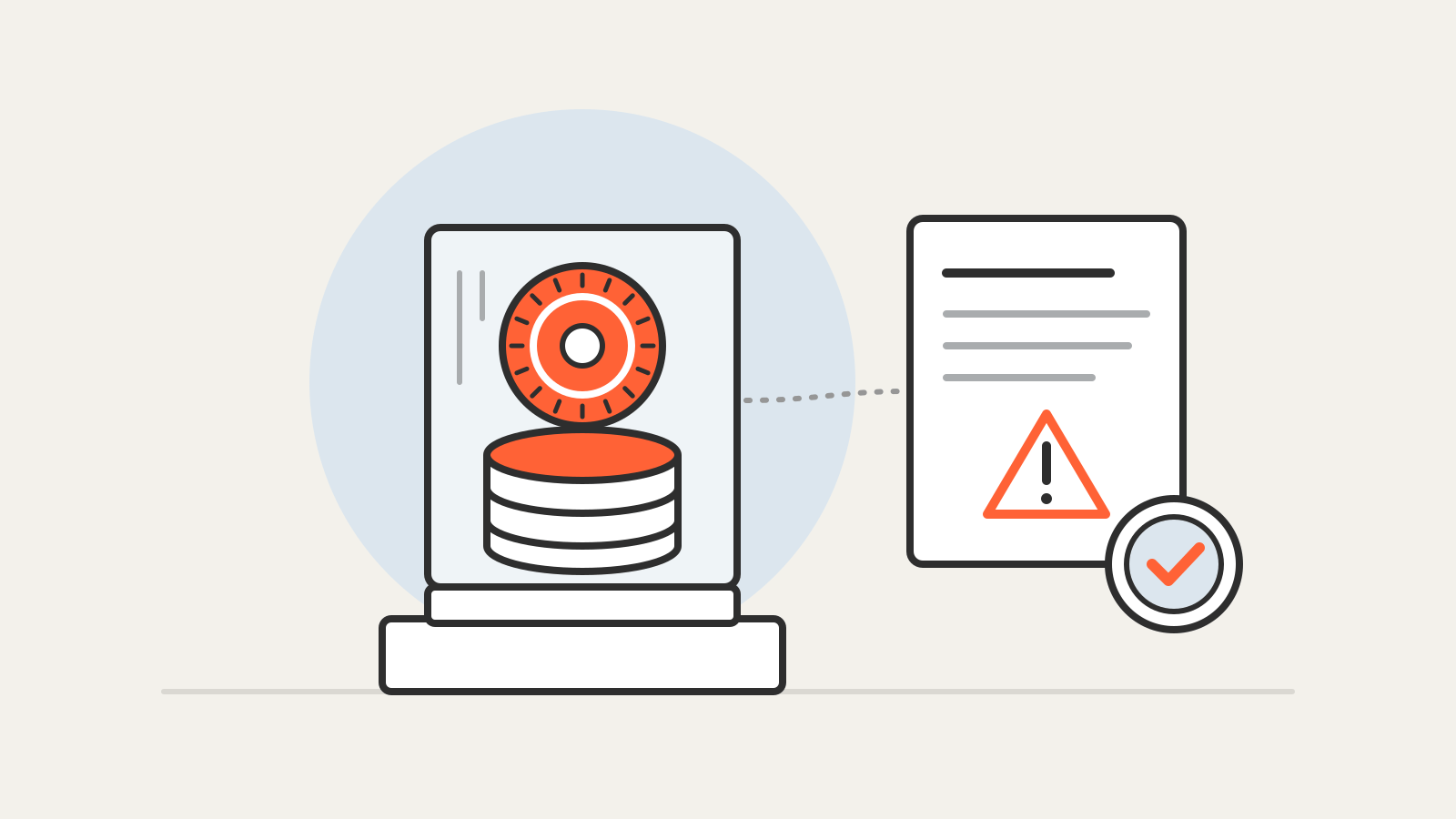
According to Google’s post, Enhanced Protection now sorts site warnings into two levels, mirroring the split it already used for downloads:
- Suspicious sites get a lower-confidence verdict: the page shows deceptive patterns commonly linked to known malicious sites, and there is a possible risk of harm. These warnings use a different format, icon, color and wording.
- Dangerous sites are known to be malicious, with a high risk of harm. They keep the familiar full-page red warning.
Google says the separate, lighter format lets it show more protective warnings without treating every doubtful page as confirmed malware. As before, Chrome lets you continue to a site after a warning.
Scam checks move to a server-side model
Chrome previously used an on-device Gemini model to spot tech-support scams for Enhanced Protection users on supported devices. Google says it has now moved to a more powerful server-side Gemini model so the check reaches everyone with Enhanced Protection turned on and covers more scam types, such as fake antivirus and fake browser-update pages. The model looks at the brand a page represents, its intent and a scam likeliness score, and Safe Browsing combines that with domain reputation and other signals.
That means page text can leave the device. Google says Chrome only analyzes page text when a site already shows high-confidence scam indicators, and that content sent to the server is processed ephemerally: “never logged, retained or used to train models.”
Copied commands get checked
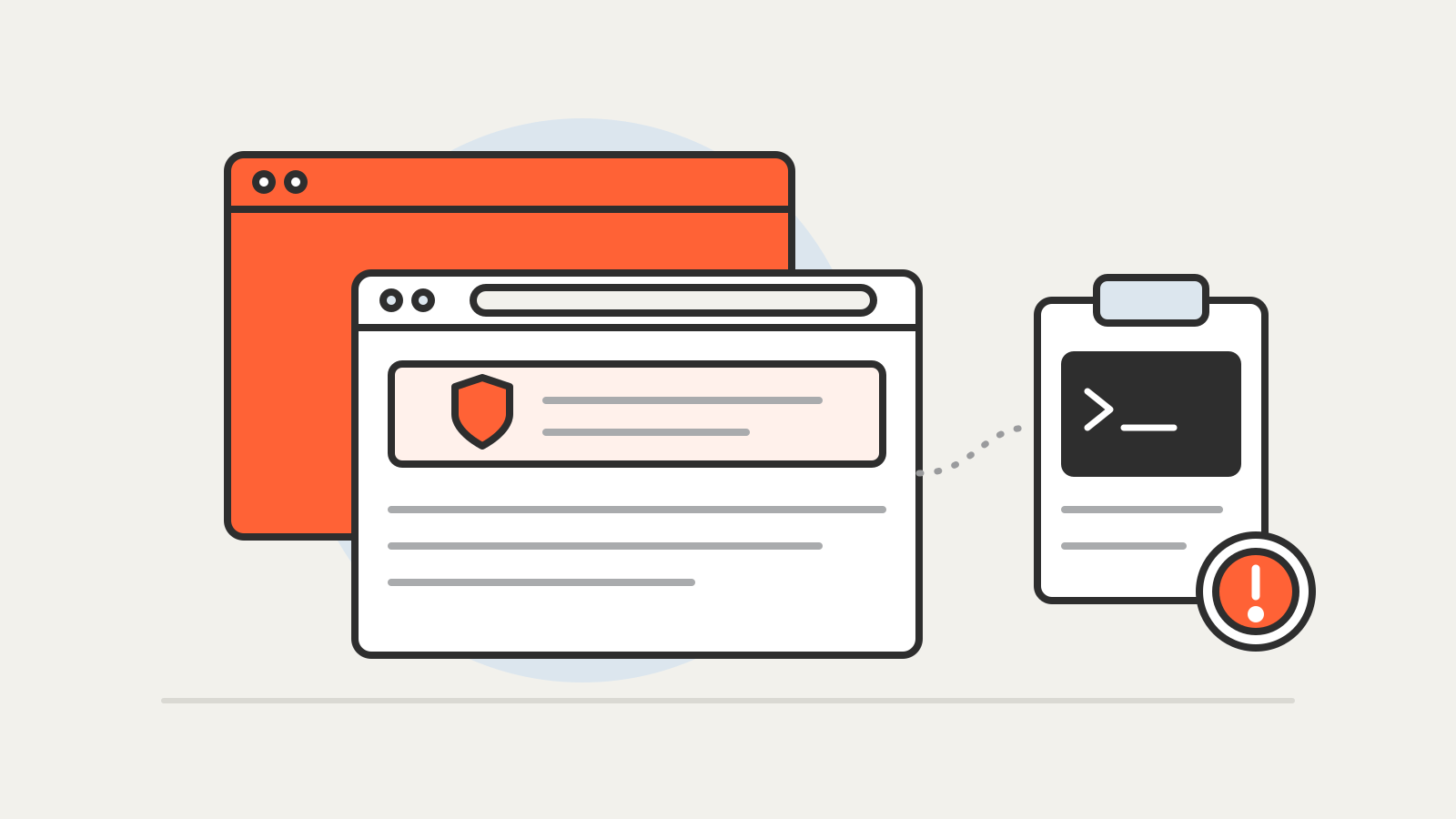
ClickFix pages tell visitors to “fix” a fake problem by copying a command and running it themselves, often in PowerShell or the Windows command prompt. Because the download happens outside the browser, normal download protection never sees it. Chrome now detects when an Enhanced Protection user copies a suspicious command, strips personal information from the clipboard contents, sends them to Safe Browsing and shows a warning if the verdict is dangerous. Google says the check is designed for high precision so that ordinary developer copying is not interrupted. Chrome itself will never ask you to repair it this way.
How to turn it on
Enhanced Protection is opt-in. Chrome’s help page explains that it sends the URL, a small sample of page content, extension activity and system information to Safe Browsing on each visit, while Standard Protection, the default, sends full URLs and page content only when a site behaves suspiciously. On a computer, open Chrome settings, then Privacy and security, then Security, and choose a protection level.
Google’s post does not give a version number or say whether the new warnings reach every platform at once. For what a browser add-on can see once installed, read what browser extension permissions allow; for sign-ins that resist fake login pages, see what a passkey is.