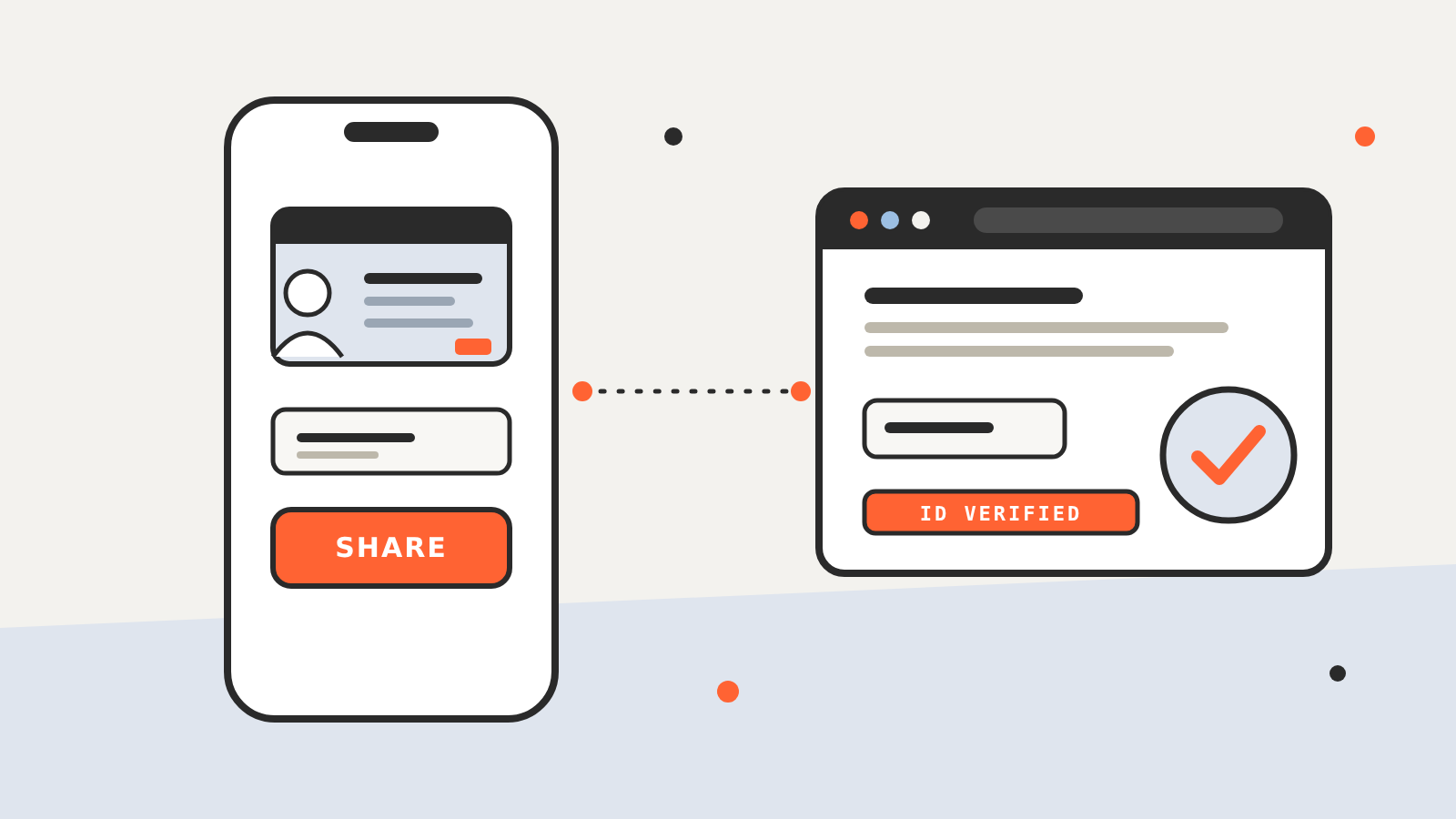
Google has added computer use to the Gemini app for Mac, a feature that lets the assistant click, type and fill in forms across local files, desktop apps and websites on a user’s behalf. Google announced it on November 19, 2026. It is rolling out in English in the U.S. only, and only to Google AI Plus, Pro and Ultra subscribers.
The point of the feature is to hand over repetitive, multi-step work, the kind that normally takes dozens of clicks. According to Google’s announcement, a user describes a workflow and Gemini handles the menus, typing and forms itself.
How it runs
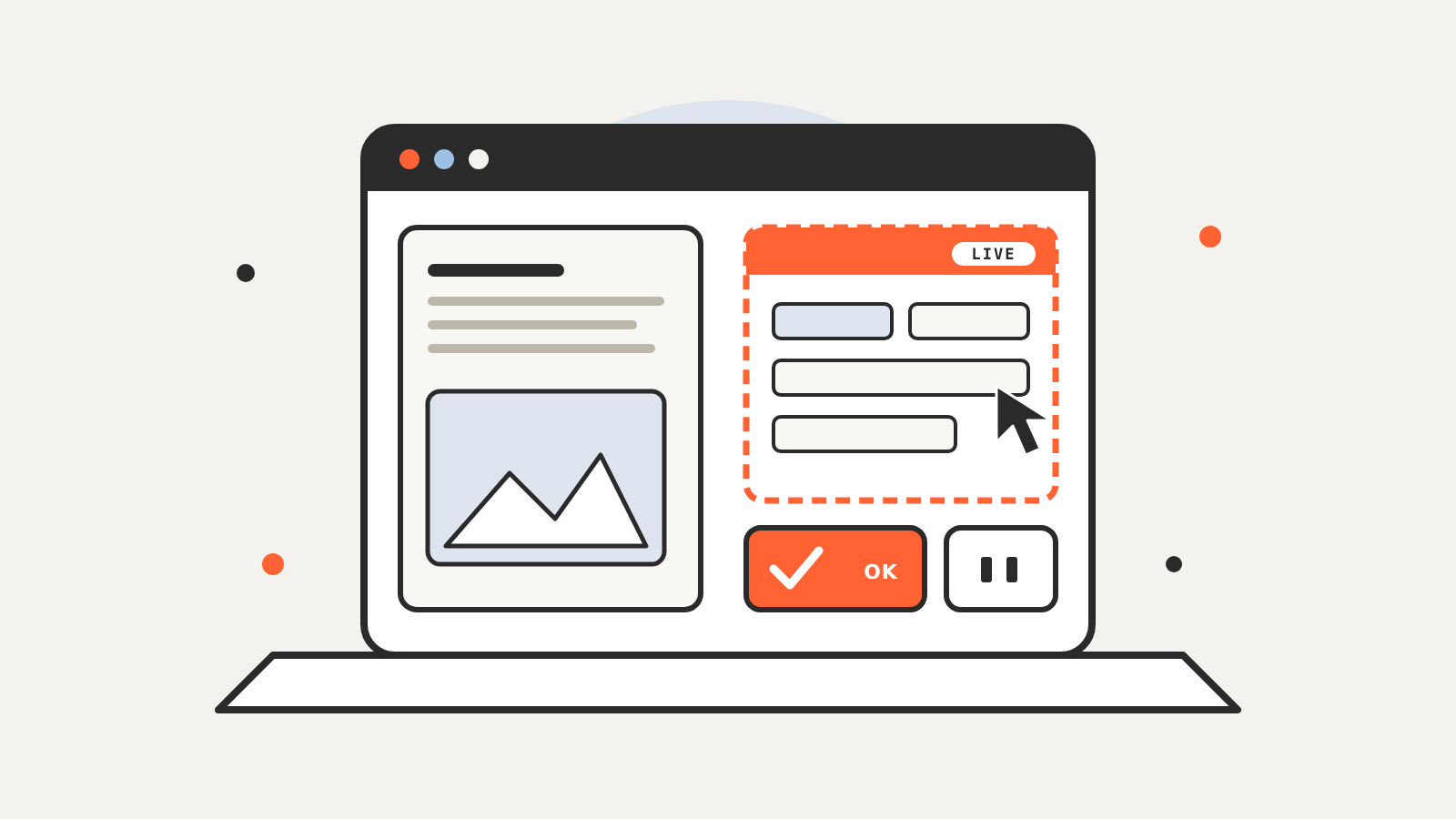
Gemini works inside an isolated background window, with a live preview shown in the chat. Google says the user’s main screen and cursor stay free, so they can keep typing, designing or taking calls while a task runs.
Google lists four controls that keep the user in charge:
- The user chooses which apps Gemini can access.
- The user can watch every step live.
- The user can pause at any time.
- The user approves key actions before they happen.
The announcement does not say which actions count as “key” and need approval, so it is worth checking what Gemini asks before it proceeds.
What Google says it can do
Google gives four examples of tasks to try:
- Batch color-grade photos in design software, or set up complex 3D scenes.
- Pull weights, dimensions and addresses out of local PDFs to fill in multi-box shipping quotes.
- Collect metrics and screenshots from live dashboards in several regions and build a presentation in Google Slides.
- Analyze clothing photos in a local folder, research prices, log item details and stage listings on resale platforms.
These are Google’s own illustrations, not results from independent testing.
Who can use it
| Requirement | Detail |
|---|---|
| Computer | Apple Silicon Mac running macOS Sequoia 15.0 or later |
| Account | Personal Google account, age 18 or over |
| Plan | Google AI Plus, Pro or Ultra |
| Language and region | English, U.S. |
| Download | gemini.google/mac |
What the announcement leaves out
The post gives no usage limits, no list of unsupported apps and no description of what Gemini stores while a task runs. A tool that can open local files and fill in forms needs access to a lot, which is the same tension Apple raised when it said it would tighten Full Disk Access for AI agents. To see how an assistant that takes actions differs from one that only answers, read AI agents vs. chatbots. Google’s data terms for the Gemini app are summarized on our Gemini AI privacy page.